
Video editing has never been easier!

NEW: Nero Video 2026
Cut, edit & enhance videos -
with full Nero power for your Windows PC.


Nero Video 2026
Your complete solution for video editing:
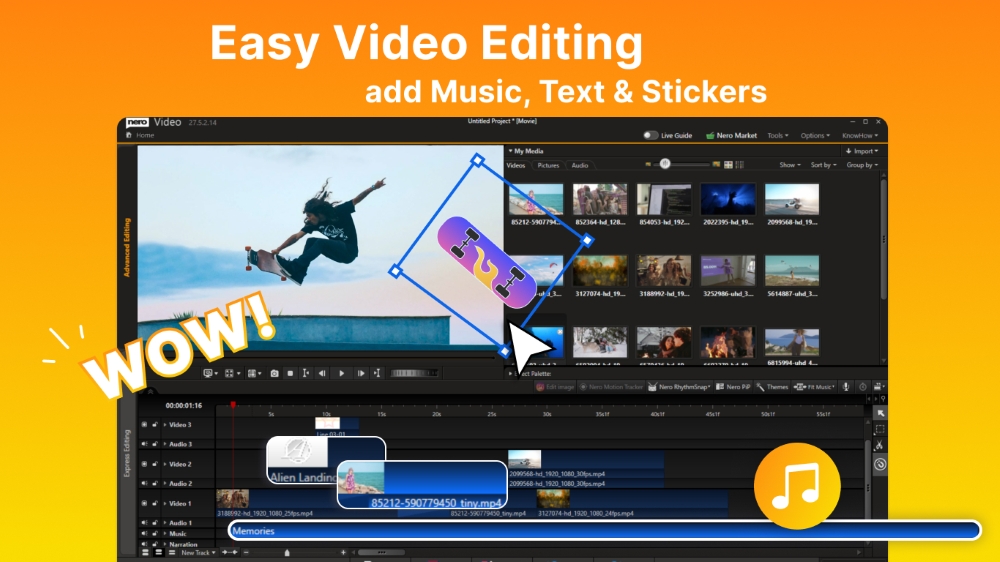
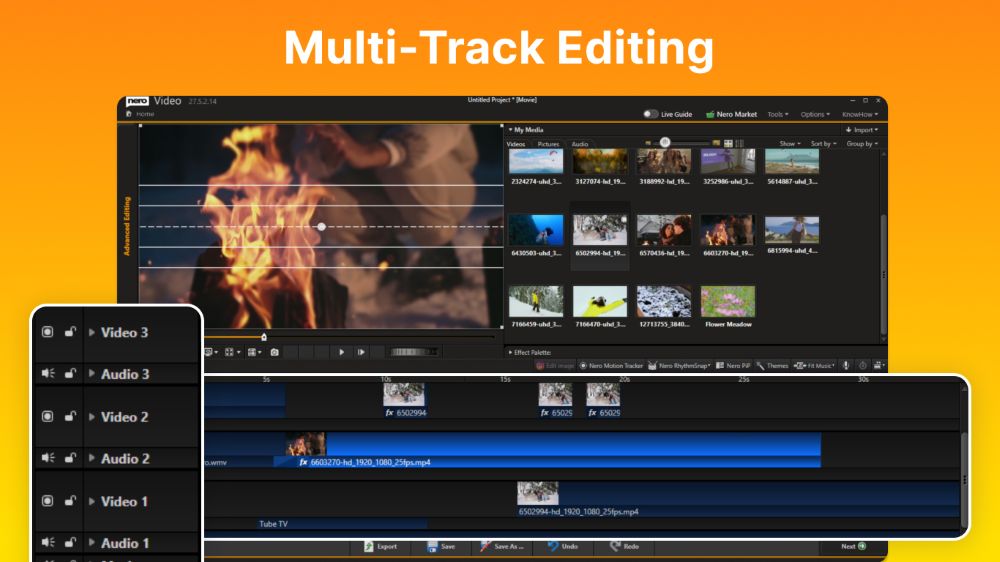
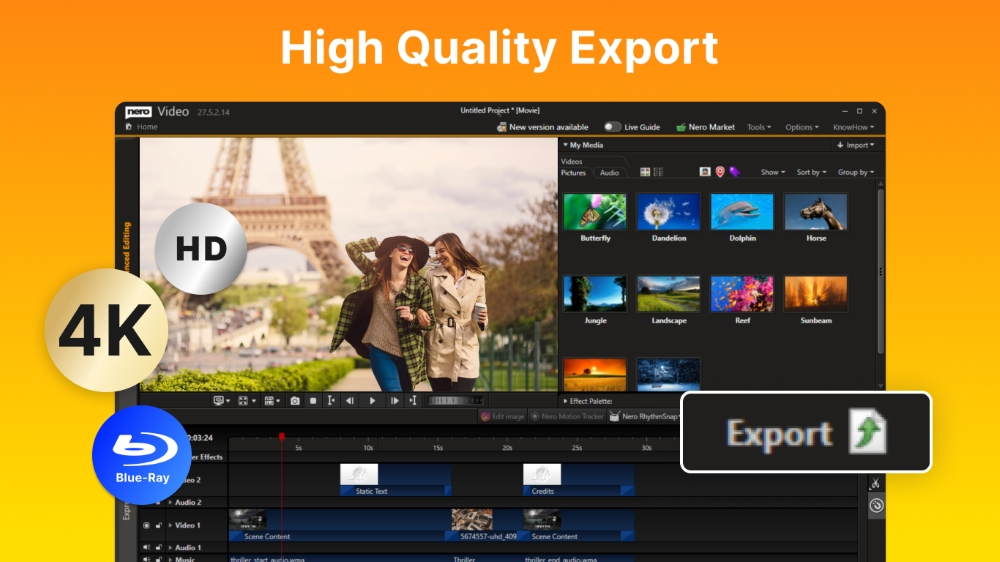
Motion tracking, multi-track editing in HD, 4K and 8K, AI-supported media management, support for portrait videos and powerful professional effects such as green screen and picture-in-picture. Customized to your needs - now you can also choose between light and dark mode.
Function overview

Bring your videos and image files from mobile devices, external hard drives, USB sticks, camcorders, and HD and 4K cameras to your computer with ease. Store them centrally in your media library from the Nero MediaHome software for further editing with a wealth of information such as the date of recording, locations, or people depicted. Now you can also archive and watch your movies and TV series in a flash. Film titles and posters are created automatically. New: Access your "OneDrive" online files (Files On Demand) and download your pictures, videos and music only when you need them for your project. This saves you a lot of storage space on your PC.
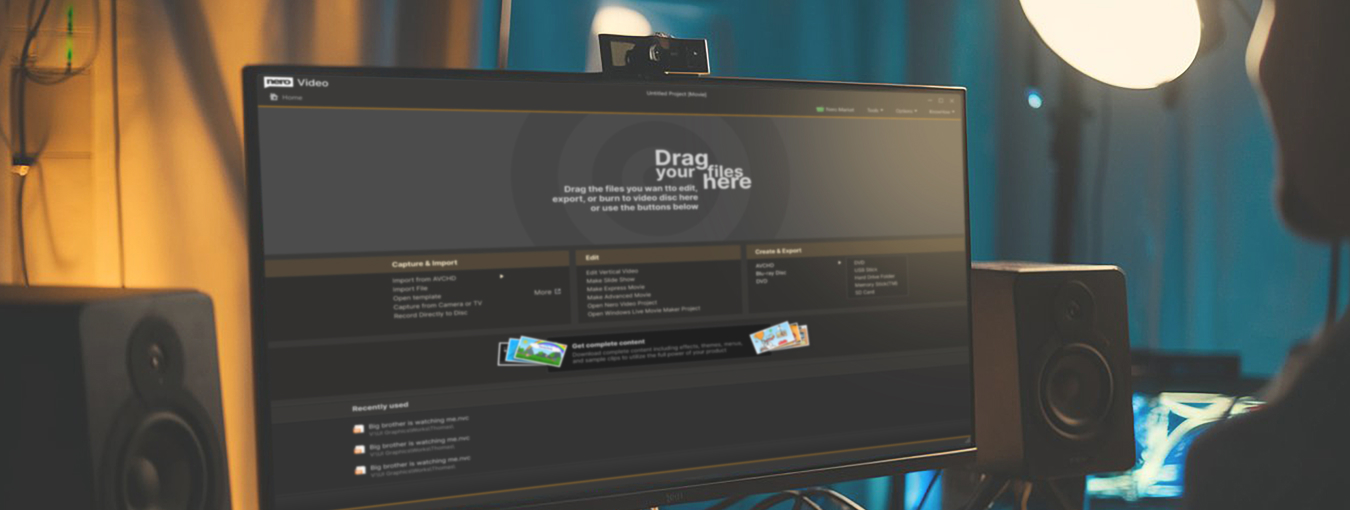
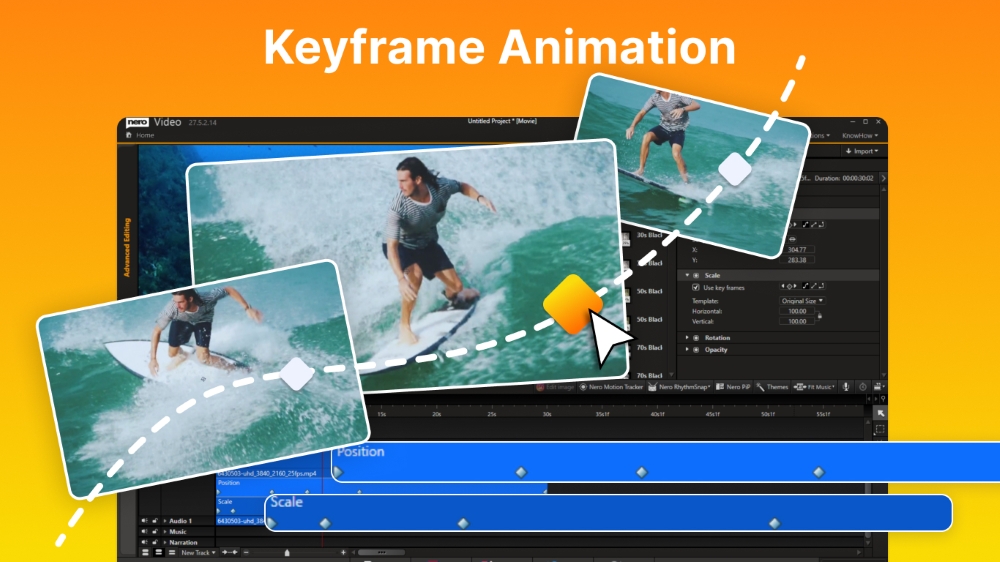
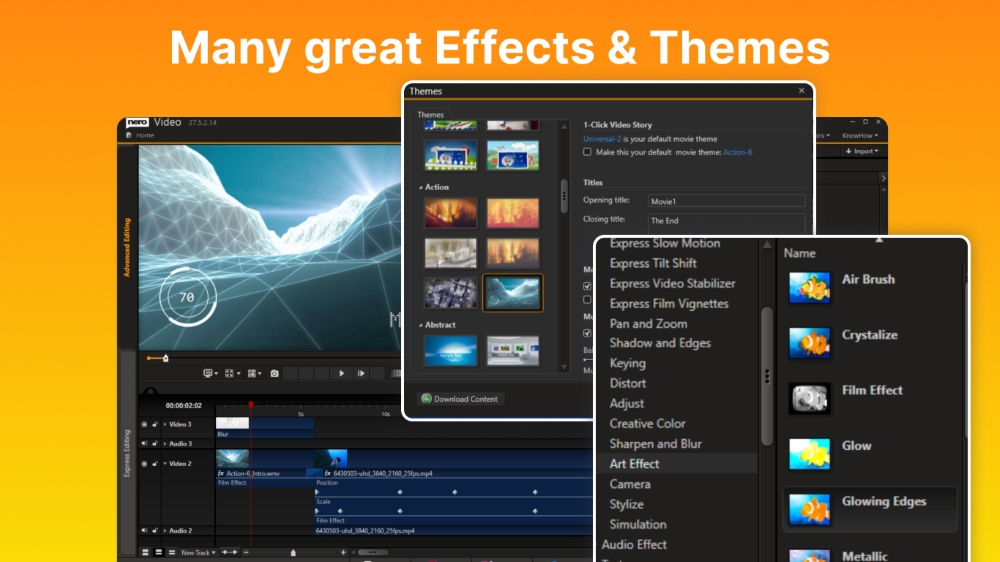
Put your shots in the spotlight: 1-Click Video Story lets you create perfect movies and slideshows in no time. Complete with music, effects, entry and exit, you can share your movies in a flash. Captivate your audience with express or advanced video editing with countless effects like tilt shift, old movie, slow motion, titles, transitions, audio filters, keyframe animations and more. With the new 1-click bar remover, you'll be able to spruce up your photo and video footage and get it ready for the optimal big-screen movie experience.

Quickly and easily create professional videos: With over 1000 movie templates and other effects, you give your videos a very personal touch. With the new various movie templates including effect drop zone, they automatically create their own personal movies on topics such as family, celebrations, children, travel, action and more. Black bars in widescreen TV are now a thing of the past. Even vertical videos and photos from your smartphone can be easily imported as a vertical video, edited and perfectly staged thanks to vertical video templates.
Best movies for happy viewers: Nero Video software doesn't compromise on format selection either. Edit movies in the highest quality in 4K, Full HD, and SD. Even export individual scenes from long movies in one go. Add the finishing touches to your DVD Videos™ and Blu-ray Discs™ with numerous high-quality disc menus on many themes. Then design your disc covers to your taste with Nero CoverDesigner software and play your video disc professionally with menu and chapter selection on the DVD and Blu-ray player in your living room.

Turn your living room into a cinema: The Nero Video software convinces with Oscar-worthy streaming functions. Slideshows or videos on the TV, music from your media library on your smartphone, videos on your tablet? All possible with the free app Nero Streaming Player. With the app WiFi Transfer, which is also free, you can transfer your videos and pictures wirelessly from your mobile device to your PC and vice versa. Both apps are available for iOS and Android devices.
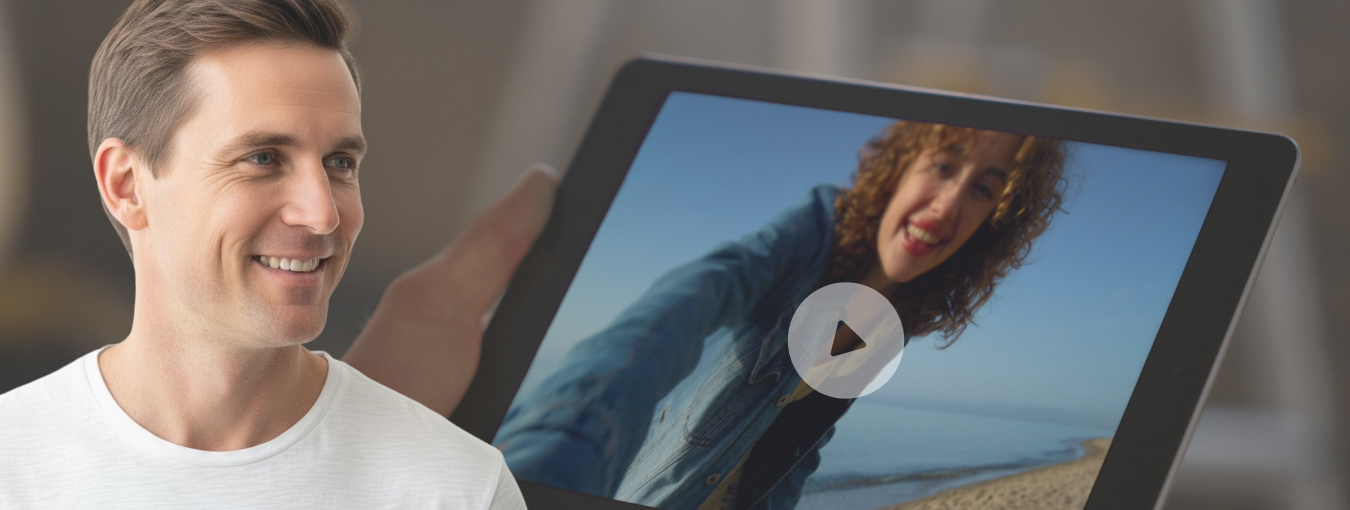
Choose when it's primetime: morning, noon or night - play audio and video files in a variety of formats when you feel like it. Playing photos, elegant slideshows, video DVDs and 4K/Ultra HD videos is now even easier. You can also easily manage and play your archive of movies and TV shows, just like primetime.
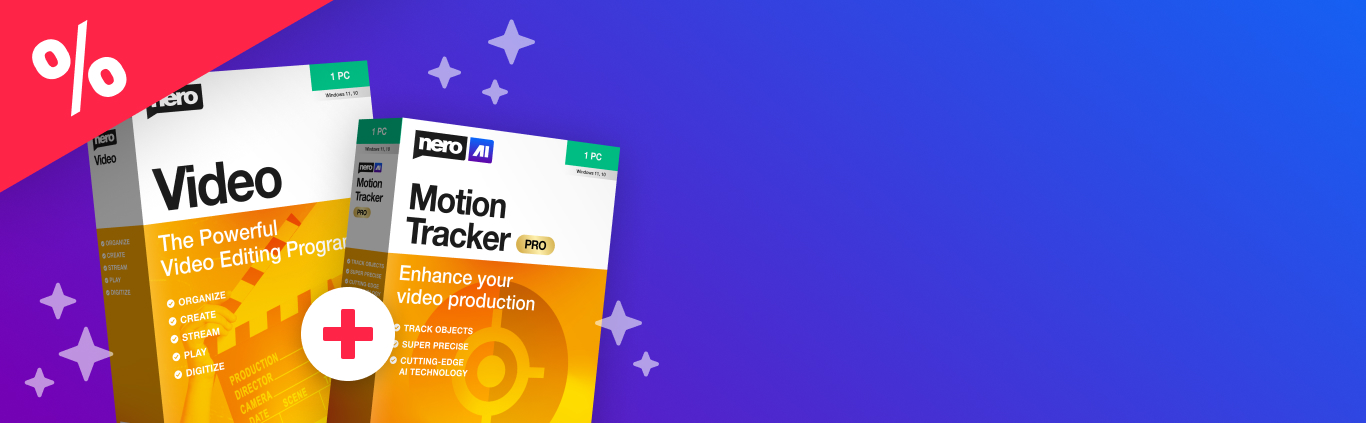
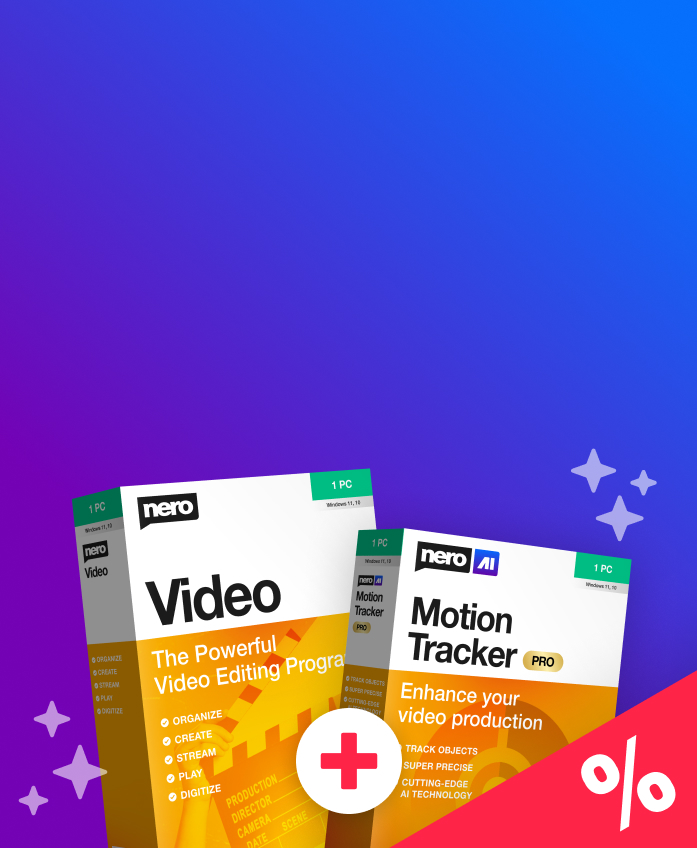
Simply good videos!
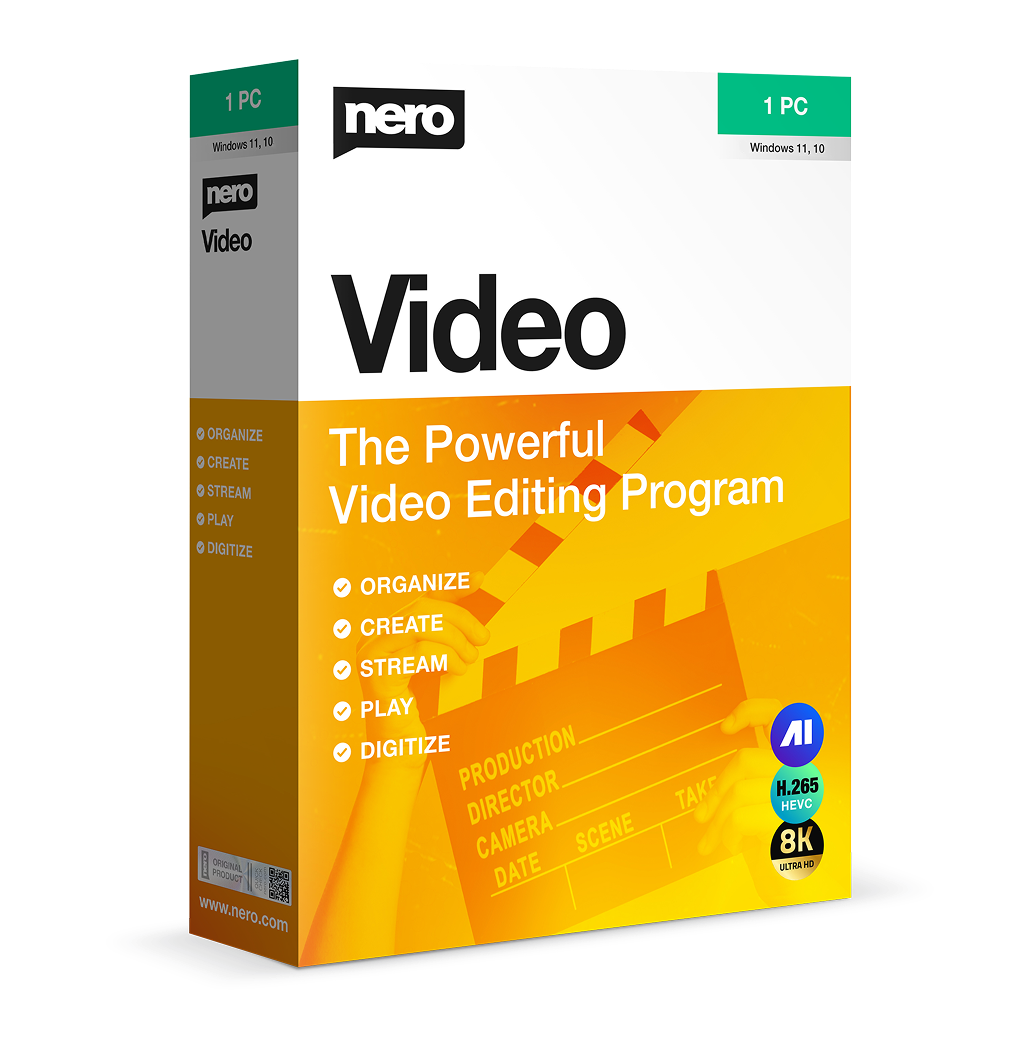
Nero Video 2026:
Create, edit and export videos and slideshows.
- Multi-track video editing in HD, 4K and 8K
- Manage, create, export and burn, stream and playback
- Choose between light and dark mode

