Nero
Centro
download media


Logos

Nome Bianco su nero Nero su bianco
Logo aziendale
Logo aziendale con tagline
Nero 9
Nero Move it w
Nero BackItUp & Burn
Nero MediaHome 4
Nero Linux 4
Guida sull'utilizzo del logo


Photos

Nome Foto
Udo Eberlein (CEO) Biografia
Sede centrale a Karlsbad, Germania Corporate Headquarters in Karlsbad, Germany


Boxshots

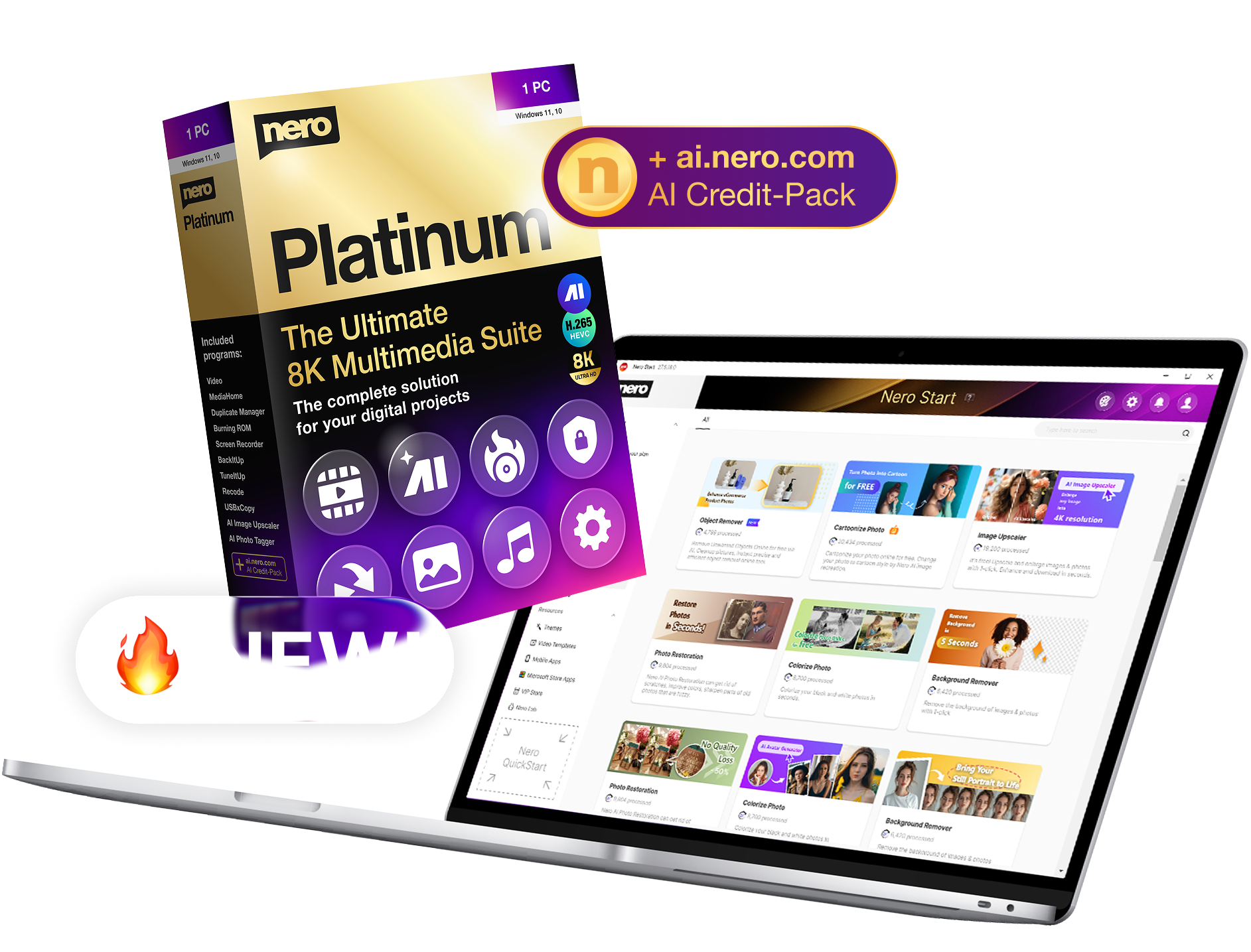
Prodotto Scatole
Nero 9 - Reloaded Preview: Nero 9 Boxshots
JPEGJPEGJPEG
TIFFTIFFTIFF
Nero BackItUp & Burn  Preview: Nero 9 Boxshots
JPEGJPEGJPEG
TIFFTIFFTIFF
Nero Move it
JPEGJPEGJPEG
TIFFTIFFTIFF


Screenshot

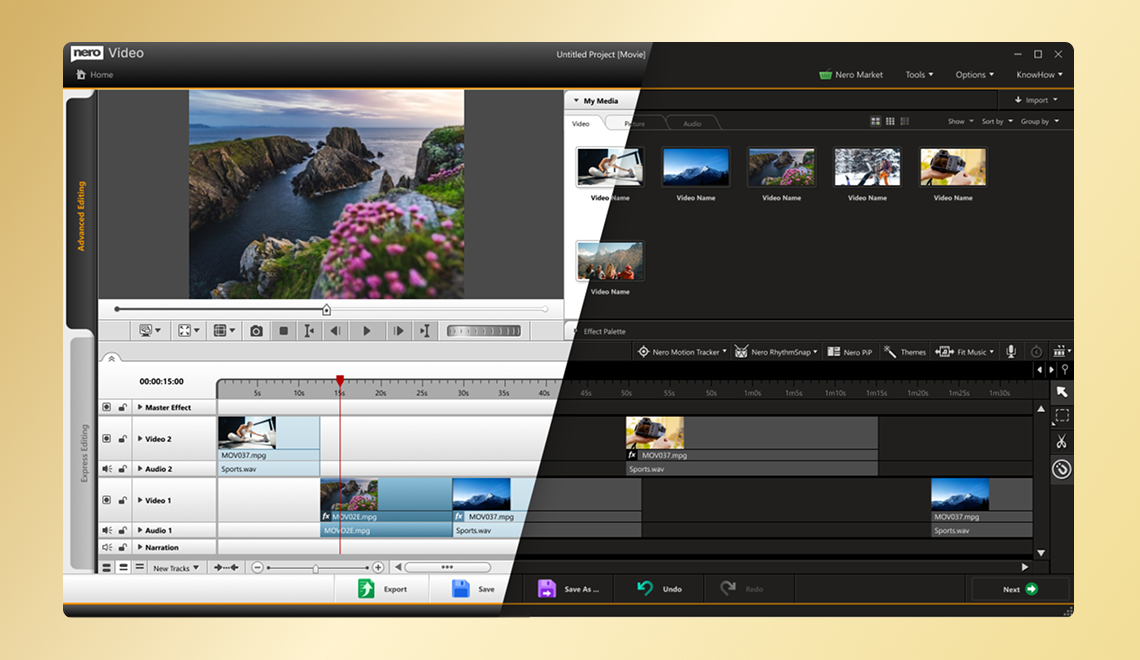
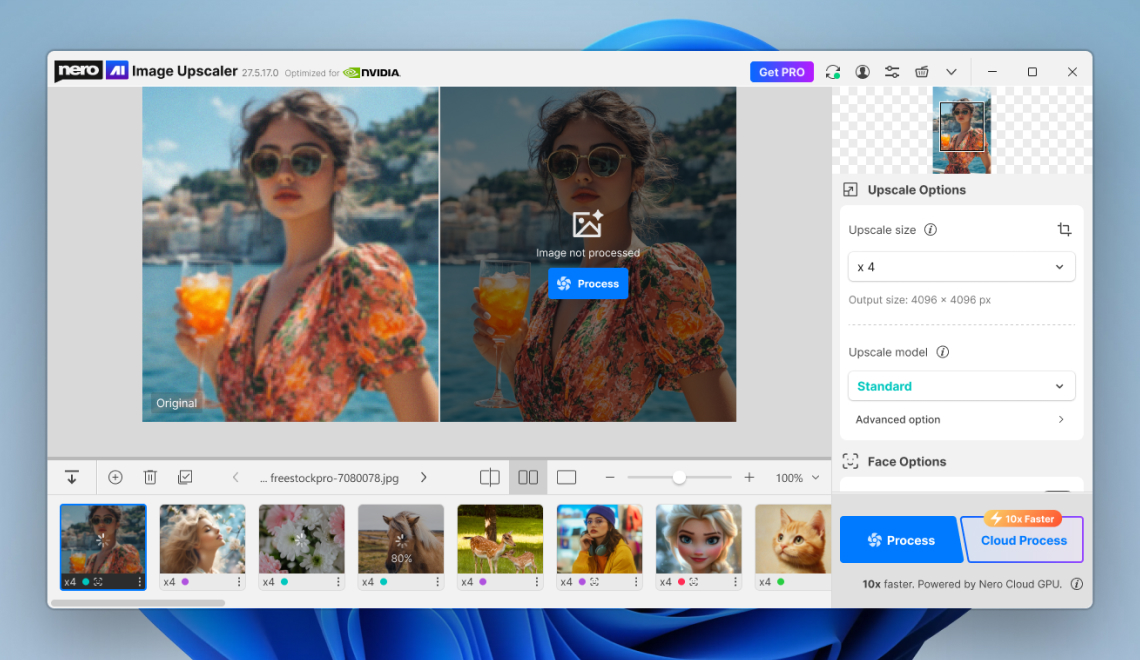
Prodotto Screenshot
Nero 9
Nero Move it
Nero BackItUp & Burn
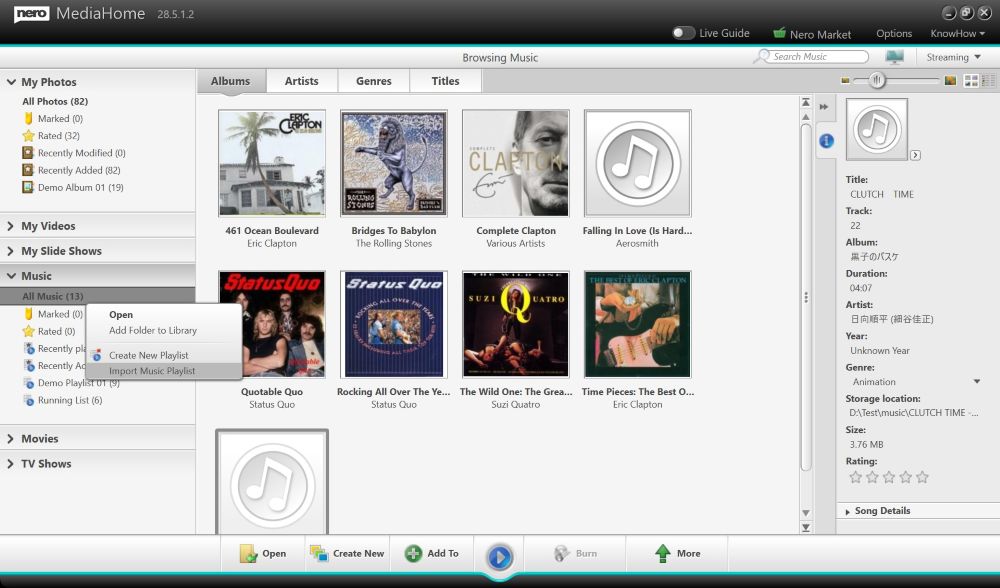
Nero MediaHome 4
Nero Linux 4


Guida per le recensioni

Prodotto Guida per le recensioni
Nero 9 Guida per le recensioni
Nero BackItUp & Burn Reviewer's Guide
Nero Move it Guida per le recensioni


Nero 9 Consumer FAQ

Nero 9 is the next generation of one of the world's most trusted digital media and home entertainment software solutions. With functionality based on the feedback received from Nero users as well as new easy to use applications, Nero 9 has been greatly enhanced to give consumers the tools needed to create and enjoy their unique digital media content anytime, anywhere.

Nero 9 is the next generation of the world's most trusted integrated digital media and home entertainment software suite. It features new cutting-edge functionality that makes enjoying digital media content simple. Please click here to review the new and improved features of Nero 9

Nero StartSmart is the entry point for all functionality in Nero 9. It is the central access and task manager in Nero 9. With Nero StartSmart, all the powerful features of Nero 9 are easily accessible from one menu, making it easier than ever to start and complete your digital tasks.

Nero's DVD and multimedia player, Nero ShowTime, features a new playback design - with convenient play list handling, shuffle playback, as well as docking and stand-by modes of both, the browser window and playlists. New display, with Gracenote® services, shows clear and accurate track and artist information, as well as album art - right in the middle of the user's media window.

The new Movie Wizard is a template library with special themes for birthdays, weddings, and vacations. It can split videos; add effects, transitions, text, matching background music and more!

This feature identifies music clips in a movie and automatically removes everything but the music; making it easy to joining the pieces to a single music video clip and inserting the music into your videos. You can also simply save the audio track of the single music video as MP3 or WAV and add it to your music archive.

This new feature detects and removes commercials in a movie automatically while joining the movie content pieces seamlessly together.

Gracenote is an organization that specializes in digital music recognition technology. This functionality is now included in Nero 9 and gives users' enhanced track, artist, and album information making it even easier to manage content. This is known from other media players already but Nero 9 gives you more options, even full album art and integrates it into four key applications for easier and 'visual' music playback, music management, ripping and burning.

Yes, Nero 9 makes it easy for users to enjoy their content on the go by converting music, photos and DVDs to play on portable devices.

From Blu-ray to HD video, if you want to create your own digital videos, this solution makes it easy to create lasting memories. Use latest AVCHD camcorders and save a lot of time with Nero AVCHD Smart Encoding. AVCHD is a highly compressed video format and Nero only renders those parts of your video that were modified e.g. with transitions or effects leaving the other sequences untouched.

Nero 9 supports AVCHD playback, import, editing, and output to AVCHD or BD-AV disc including Smart Encoding. Nero 9 supports DV and HDV formats and has a new tape scan feature that allows you to quickly and easily preview and select scenes from your DV or HDV tape. Capture the pre-selected scenes and save time with managing your video project and save hard disc space, too.

If you are using mixed standard definition and high definition footage Nero 9 now gives you an SD to HD conversion filter that boost the picture quality to make it look like HD. Of course Nero 9 supports Smart Encoding for MPEG-2 that is used for the HDV format as well. Additionally Nero 9 supports AVCREC playback.

Yes. Nero 9 provides a robust photo solution that allows you to touch up pictures, add visual effects, create photo and video slideshows, burn them to DVD, and much more. Nero 9 even enables you to do mixed projects with video and slideshow.

Yes. With Nero 9, you can create great DVDs out of your own home videos. You can also edit your videos by cutting out scenes, merging, dubbing, and more, and then burn them onto a CD or DVD. A new tape scan feature in Nero 9 also makes it easier to quickly preview and select scenes from your DV or HDV tape and import them into your creative project.

Movie Wizard helps you to quickly create great looking home movies by providing templates for birthdays, weddings, and vacations. It can split videos; add effects, transitions, text, matching background music and more. When it comes to authoring the new content screen gives you direct preview, easy trimming and managing options for you DVD assets. A great variety of animated 2D and 3D menu templates enables you to give the final touch to your DVD.

Yes. QuickTime® videos can be played and edited with Nero 9.

Yes. With Nero 9, you can share your videos and photos with integrated, easy access to My Nero, YouTube™, and MySpace™. My Nero is a community of more than one million Nero enthusiasts that gives users a forum for discussion, tips and tricks for their Nero projects.

Yes. With a very easy to use step by step wizard in Nero 9, you can convert your vinyl LPs or analog music tapes into digital format so you can enjoy them anywhere. Nero 9 can also help you improve the quality of your converted LPs or music tapes with features that let you reduce background noise, crackling, and more. Convert all your analog music collection to MP3 or Audio CDs. Make sure that you have the proper hardware available and attached to the sound card of your desktop or laptop. Within the easy wizard you can also check and adjust the volume of the audio input.

Yes. With Nero MediaHome 4 Trial version included in Nero 9 retail box (or as free download) you can stream music, videos, and photos throughout your networked home. Stream video content, photo slideshows, and favorite music files to any UPnP™ or DLNA® compatible media players, including Xbox 360® and PlayStation® 3. Stream your multimedia archives to other PCs or Laptops with Nero ShowTime as a convenient UPnP™ client. The great thing about Nero MediaHome is that it does great transcoding of SD or HD sources, and even streams TV within your home network. Please note that the trial version limits to 15 days transcoding, TV streaming, and remote UI functionality. Upgrade to the full version of Nero MediaHome 4 to experience the connected digital home.

Yes. Nero 9 has direct burning capabilities for Audible® audio books, making it the easiest way to enjoy your books on the go.

Yes. Nero RescueAgent in Nero 9 lets you recover files from damaged or partially unreadable media and to restore accidentally-deleted files. Nero RescueAgent supports all major file systems and media including optical disc, hard disk, USB stick, and floppy. There is almost no medium that Rescue Agent can't recover in fast scan or deep scan mode. So if you have damaged data on any of the mentioned media, no worries! Nero 9 will recover your data for continuous enjoyment.

Yes. With integrated SecurDisc technology, you can protect your confidential data from unauthorized access with a number of features. SecurDisc technology is now integrated in Nero Burning ROM. For more information about SecurDisc, please visit http://www.securdisc.net

Yes. Nero 9 includes Nero BackItUp 4 application which lets you create a disaster recovery disc with ease, in the event of a system failure. For extra security, Nero 9 also lets you password-protect your backup.

Yes. Scheduling backups is easy with Nero 9. With integrated Autobackup in Nero StartSmart, Nero 9 gives you very easy to use customizable backup options. You can even do online backups via subscription. Different subscription models available.

Yes of course. With Nero 9 you can transfer VHS, VHS-C, SVHS, SVHS-C, Video 8 and Hi-8 video tapes to your PC or Laptop. For this functionality, please make sure that you output the proper video (Composite or S-Video) and audio signal from your VCR/Camcorder and plug it into the suiting signal inputs in your video capture card of your PC or Laptop. Please make sure you have the latest drivers for your capture card installed, and that it is set up correctly as described in the hardware owner's manual.

Nero 9 works with the following operating systems. Windows® XP SP2 or SP3, Windows Vista® (no SP or SP1), Windows® XP Media Center Edition 2005 SP2, Windows® Server 2003 SP 1, Windows Vista® x64 Edition. For a complete listing of product requirements, please click here.

The Nero suite has been built on the company's reputation as the leader in burning technology and gives users an enhanced way to manage their digital content that goes far beyond the capabilities of a DVD/CD burner. With Nero 9, users can manage, organize and share their music, videos, photos and data, and can easily utilize the extensive applications in the suite to customize digital media content.

Remember Nero 9 covers 99% of all the digital multimedia use cases you will ever come across. Create personalized home movies, rip and burn your favorite tunes, edit your family photos and more. Nero 9 suite engages the user with flexibility and freedom to truly live the dynamic multimedia experience.

Yes, Nero has an extensive volume license program, making it easy to incorporate Nero into your organization's network. Please click here for additional details.

No, due to a new Nero installer technology Nero 8 can coexist with Nero 9 on the same system. If you experience problems on your systems though we recommend that you make use of our Nero clean tool for Nero 8. Please click here for additional details.

Our customer support issues are very important to us. Please click here for additional information on our phone and e-mail contact options.

Yes. Nero will regularly provide updates to Nero 9, available to you free of charge after initial purchase. Click here to check for Nero 9 updates.

Yes, Nero 9 supports importing PowerPoint® presentations for conversion to DVD-Video or BD format (must have Microsoft Office PowerPoint® 2003 or 2007 installed). This feature provides a convenient alternative to show PowerPoint® presentations from DVD or BD players attached to a TV.

Yes, Nero 9 supports archiving HD movies in highest quality AVCHD format (up to 24Mbit/sec), including the full AVCHD menu format to HDD including: USB stick, flash memory card, SD Card and Sony Memory Stick® even without the use of an optical recorder.

Yes, Nero 9 supports archiving HD movies in highest quality AVCHD format (up to 24Mbit/sec), including the full AVCHD menu format to HDD including: USB stick, flash memory card, SD Card and Sony Memory Stick® even without the use of an optical recorder.

Nero 9 comes loaded with Windows® 7 Desktop Gadget: Nero DiscCopy Gadget, for copying a disc of any format with just one click. Moreover Nero 9 takes advantage of the new operating system refinements that simplify everyday tasks, such as, Aero Shake, Aero Peek, Preview and Pin.


Nero Move it Consumer FAQ

The Nero Move it solution solves one of the most common problems facing consumers today - too many devices and too many pieces of digital content in a range of file formats that simply aren't compatible. With Nero Move it, all it takes is a few clicks of the mouse to easily convert and transfer music, videos and photos from one file format to another, synchronizing it with various devices or posting files to online communities.

With Nero Move it, you don't need any in-depth multimedia knowledge, just a very basic PC understanding. It is cutting-edge technology, with an easy to use interface and functionality.

Consumers can now freely move their content from more than 100 compatible portable devices with many more to come with free updates provided frequently. All you need to do is plug the portable device into your PC and choose the output. Nero Move it quickly and intuitively converts the file automatically into your desired format. This means smooth conversion of file formats for easy transfer between digital cameras, PCs, portable devices, mobile phones and online communities. Please click here to see a list of supported devices.

Nero Move it will be available worldwide on September 29, 2008 online and at participating retailers.

If you can do things like use e-mail or basic Microsoft Office® applications, you can use Nero Move it. With just a few clicks, you have complete access to all your favorite multimedia files anytime, anywhere, and on any device. You can publish, sync, and enjoy multimedia files - like music, photos, and videos - on your iPod®, iPhone™, PSP® or upload them to online communities such as My Nero, YouTube™ or MySpace.

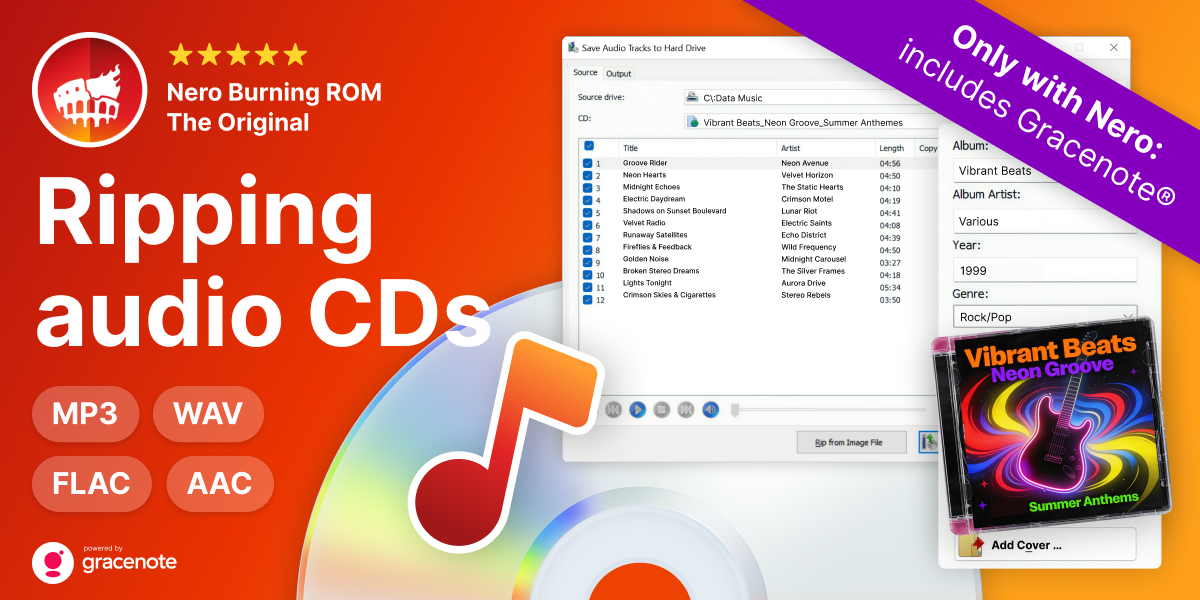
Nero Move it allows you to add any content to your media library with the ability to rip your favorite music from your audio CDs. You can convert this music to fit various portable devices.

Yes, Nero Move it is incorporated with free DB data base technology giving you enhanced track, artist and album information making it even easier to manage content. Gracenote integration will be available with future updates.

Yes, all incremental Nero Move it product updates within this version are available to you free of charge at www.nero.com after initial purchase.

Due to digital rights management standards, Nero Move it cannot support songs purchased on iTunes. It can support your other audio files and move them between your mobile devices. For a list of compatible devices please click here.

Our customer support issues are very important to us. Please click here for additional information on our phone and e-mail options.

Nero Move it does not currently support the ability to import DVD content, but your home videos can be converted to your desired format.

Yes, Nero Move it is built with the understanding that users aren't always "connected." Offline transcoding allows users to prepare the converting of content while the device isn't plugged in; so that once the user is ready to synch devices, the converted content can be quickly shared.

No, it doesn't matter what mobile phone brand you have. Nero Move it is designed to work with the specific criteria of over 100 popular portable devices, and is compatible with most others. Click here to see a list of the supported devices, but don't let that stop you, it can work with others as well. When a new device is used with Nero Move it, the product creates a new profile for it and determines what format is optimal for that device.


Nero BackItUp & Burn Consumer FAQ

Yes, in addition to supporting operating systems such as Windows® XP, Windows® Vista, and Windows Server® 2003, Nero BackItUp & Burn supports Windows 7. Nero BackItUp & Burn also supports some of the Windows 7 new features such as the Jump Lists and displays a progress indicator of your running task so now it’s even easier to access and manage your tasks. Check out the Nero BackItUp & Burn System Requirements to learn more about Windows compatibility and system requirements.

Nero BackItUp & Burn is an easy-to-use yet powerful software that lets you easily backup your files, burn data to CD, DVD, and Blu-ray Discs, sync files, and recover data from damaged storage media for safe keeping.

Your data, which may include memorable photos, important financial documents, and music collections, are irreplaceable. If lost or damaged due to system crash, virus or damage discs, it would require tremendous effort, time, and money to recover your files. Nero BackItUp & Burn automates all these tedious tasks and gives you peace of mind knowing your most precious assets are secured.

Yes. Nero BackItUp & Burn lets you create a disaster recovery disc with ease to quickly retrieve your Windows system before any software incident or change. With Nero BackItUp & Burn you can restore your system in minutes while a re-installation of your software environment usually takes hours.

Yes. Scheduling backups is easy with Nero BackItUp & Burn. Using a simple wizard interface, Nero BackItUp & Burn will lead you through the entire scheduling process, where you can choose specific times for backups to occur and where they should be saved. Scheduling backups saves hard drive space and is done without time-consuming settings reconfigurations.

Most backup and burning apps do not include recovery and syncing features. Nero BackItUp & Burn combines all important data tasks you need to back up, burn, and recover your files, folders, and system.

Yes. With Nero BackItUp & Burn, you can burn your data to any disc format, whether it is CD, DVD, Blu-ray Disc. Blu-ray Disc burning requires a compatible Blu-ray burner.

Yes. Nero BackItUp & Burn lets you recover files from damaged or partially unreadable media and restore accidentally-deleted files from a wide range of supported media types. Nero RescueAgent includes support for major file systems on optical drives, USB storage devices, memory cards and internal and external hard drives. Nero RescueAgent can recover from almost every medium.

Syncing lets you always have the most recent versions of your files close at hand. With Nero BackItUp & Burn you can keep your files updated by automatically synchronizing multiple copies of individual files. In other words, sync keeps track of the relationship between files on two or more computers, USB flash drives, or other types of popular storage media. For example, if you use a desktop computer at the office, and you use a portable computer when you are on the road, Nero BackItUp & Burn synchronizes and updates the files on your desktop computer to the modified versions when you reconnect your portable computer to the desktop computer.

Yes. Simply select your MP3 or WAV files and burn them with Nero BackItUp & Burn.

Updates are free of charge and can be done through a download from here.

Yes, you can use external devices such as hard drives, USB sticks and flash memory cards as a backup target. Some devices offer Backup button support, which let you trigger backups with the push of a button on the external drive. See the list of supported devices.

Users can choose incremental or differential backups. Incremental backups back up only the data that has been modified or added since the last backup, whether the previous back up is a full backup or an earlier incremental backup. A differential backup refers to a type of backup update or extension. With a differential backup, only the data that has been modified or added since the first full backup is backed up.

Yes, files can be restored to your PC easily using the Restore Wizard. Nero BackItUp & Burn can also restore your files from a drive backup with the File View method.

A reboot is not necessary unless .Net framework 3.5 Service Pack 1 has not been installed on your machine. The .Net framework 3.5 Service Pack 1 is required for using the WPF framework (GUI), but in most Vista and XP systems it will be available and is currently being deployed by Windows updates.

A window will appear noting that a disconnected target is reconnected and the backups will be continued as scheduled.

Yes, it is possible to back up a running system, but it is not recommended. However, Nero ImageTool allows users to create and save images of an entire system, including the OS and installed programs, from a bootable Linux environment.

Yes, Nero ImageTool contains the same set of drivers as supported by Windows.


Nero Linux 4 Consumer FAQ

Nero Linux 4 is two separate, versatile applications that bring the most reliable burning solution to Linux for advanced and beginner users. For advanced Linux users the award-winning platform Nero Burning ROM continues with enhanced audio and data file support. For beginner Linux users, the user-friendly, wizard-style interface provides easy, guided steps for burning audio and data in one go. Nero Linux 4 is the only application to offer blue laser data burning support, including support for Blu-ray Disc.

Unlike other Nero products, which aim to improve your Windows PC experience, Nero Linux 4 is a dedicated solution for the Linux operating system. The Linux-supported distributions can be found in the system requirements.

Nero regularly provides updates to Nero Linux 4, available free of charge throughout the life of the version you have purchased. These updates provide you with the latest cutting-edge features to enhance your digital life.


Accordo

Il materiale fornito nel presente sito Web è ad uso esclusivo dei mezzi di comunicazione per articoli o altri servizi informativi. Non è consentito l'uso dei marchi di Nero per altri scopi, ad esempio promozione o sponsorizzazione delle proprie pubblicazioni attraverso Nero. Il download, la copia o un qualsiasi altro uso dei presenti materiali non dà alcun diritto di proprietà, titolo o altro interesse sui copyright o sui marchi Nero.

Sono d'accordo