
Hello, how can I help you?
I am your new Nero Support Agent and can help you in real time with the following topics:
Download, Installation, Orders, Product features, System Requirements
Try it out now!
Can't find a solution to your problem? Find our help articles here or contact our support team.
What our customers say


No problems with download or installation. Looking forward to trying all the options included with my purchase.


Despite an initial misunderstanding, it all ended wonderfully. I have Nero Platinum Suite 2021 installed. I have been working with Nero for more than 15 years, and I intend to continue that way for many years. Thanks Kristi.

I am an audio/video content creator. For years I made DVD Content and burned to content onto blank DVD discs. It has been over 4 years since I last made a DVD project. I have a friend who wanted an interview put onto DVD. It had been so long since I did that, I had to go to YouTube to learn how to do it again. It was there that I was reminded of using Nero to do this. I just moved after retiring so I couldn't find my Nero Program Disc. I had recently rebuilt my computer so I didn't have Nero installed. I went to Nero.com and bought the newest version. It was so easy after that. Thank you, Nero.
Software recommendations by Nero
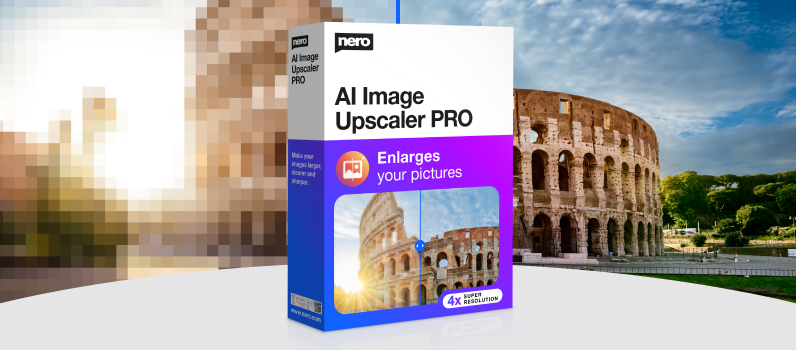
Nero AI Image Upscaler
Improve your blurred images up to 400%
$49.95

Nero Motion Tracker PRO
Hide sensitive information: Automatically add blur or mosaic effects to moving objects in your video.
$44.76$55.95
Video Downloader Ultimate
Save your favorite Internet videos to your hard drive
$29.95$47.95