Welcome to Nero!
Click here to download your Software
 Download Now »
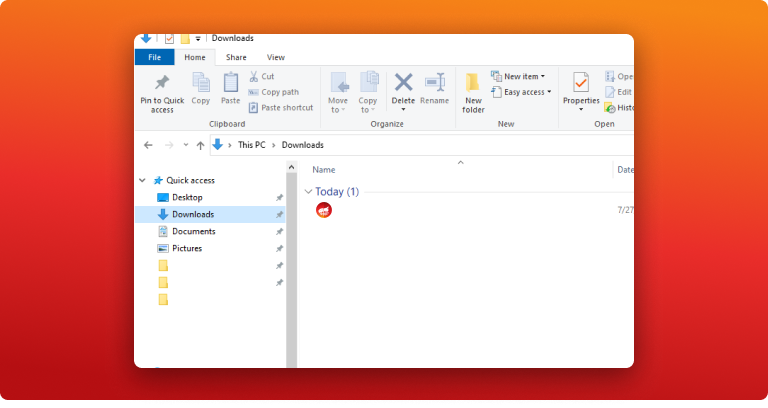
Step 1:
Open downloaded setup file
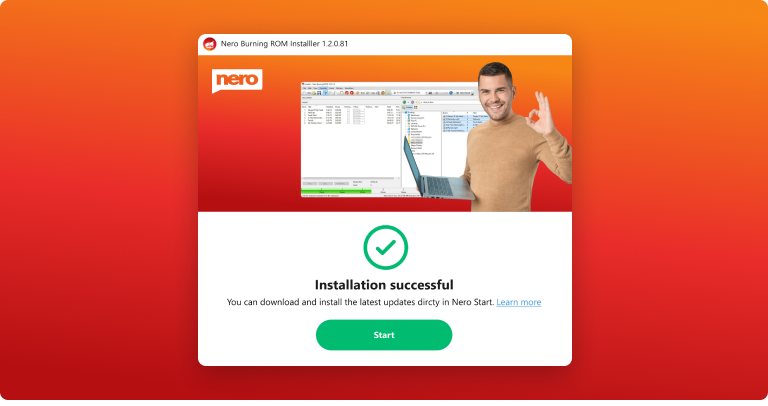
Step 2:
Accept conditions and follow the instructions of the installer
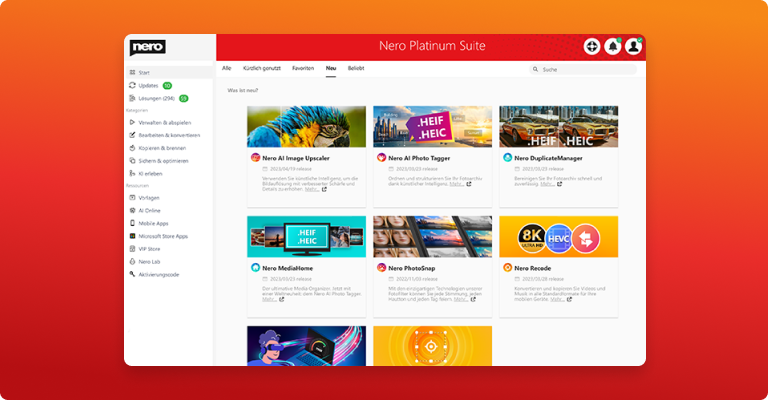
Step 3:
Run Nero Start. Register or Sign in to your Nero account.
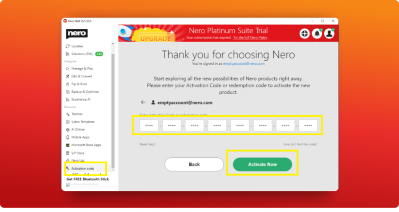
Step 4:
Click the button Activation Code in the left panel. Enter your activation code and click Activate Now to activate your Nero program.
Step 5:
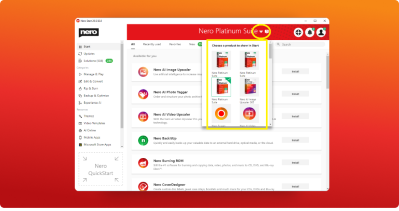
If you own multiple Nero products, please select one of the products in the title bar to display the corresponding applications in the Start page.
Step 6:
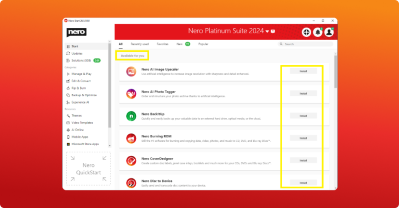
In Nero Start, install the programs that are included in your license.