🚀 NEW: Nero Recode 2027More formats.
More formats.
More freedom.
Your media—as flexible as you are:
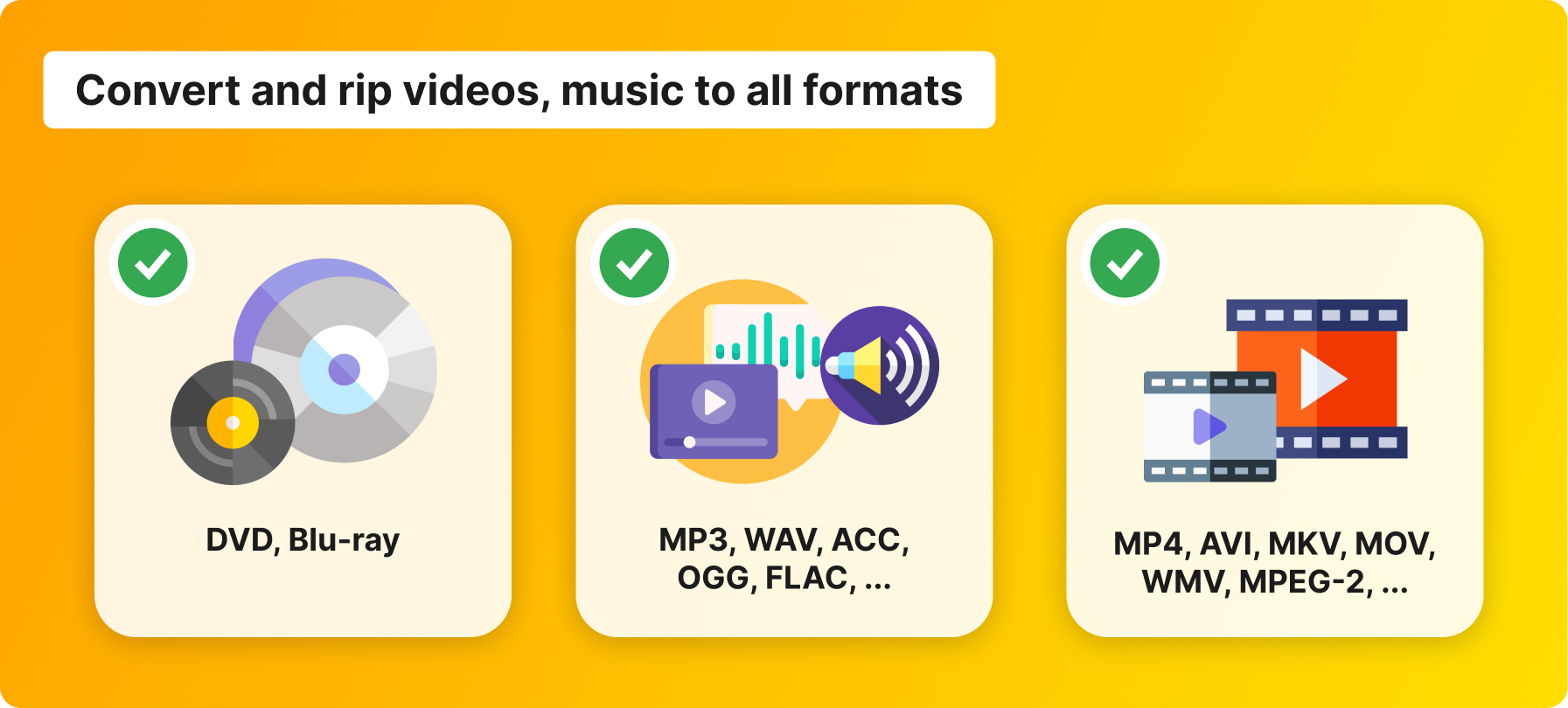
Convert videos, music, DVDs, and Blu-rays quickly and easily to the format of your choice—for the best entertainment experience on all your devices.
$47.95 Buy now »
The Custom Tailor for Your Media
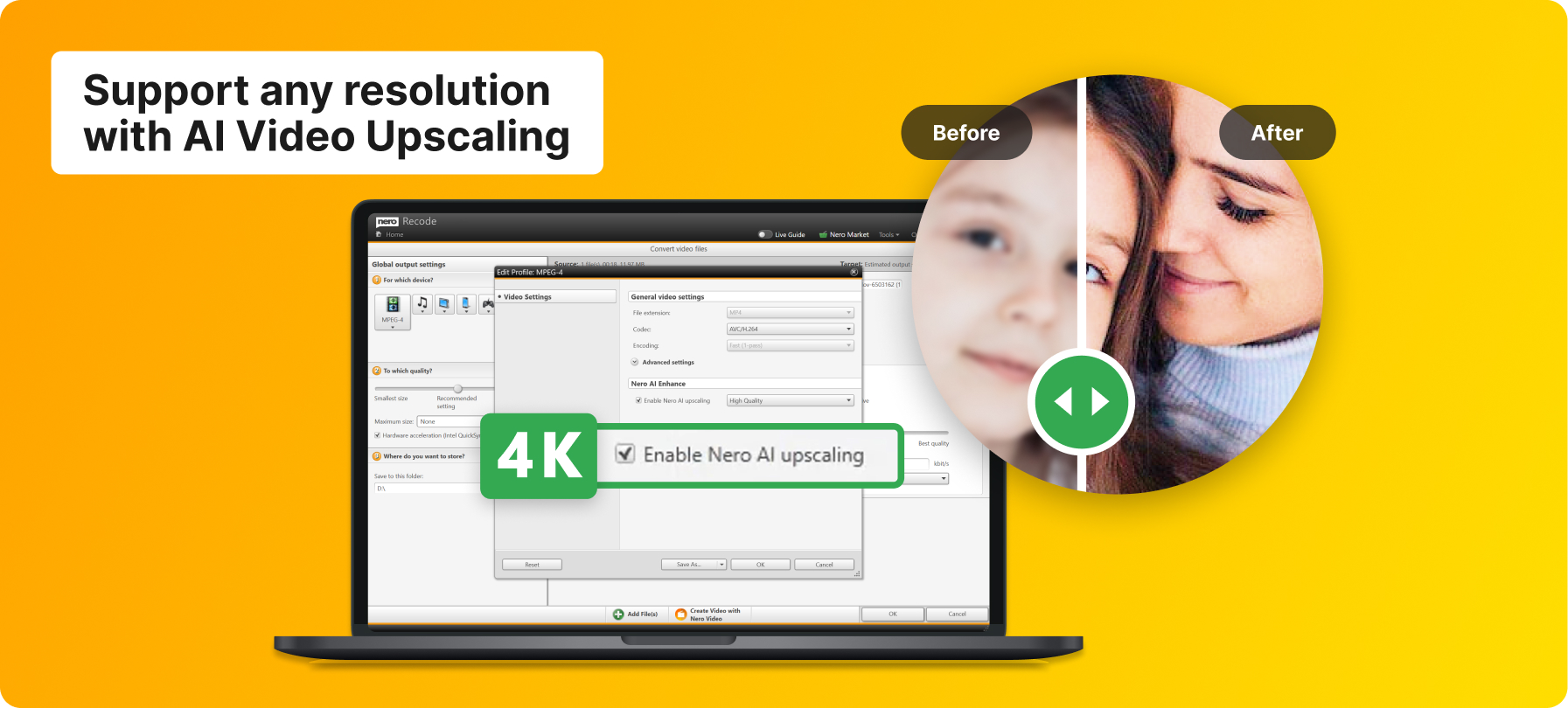
Nero Recode 2027: With Nero Recode, you can convert DVDs, Blu-rays, videos, and music files into modern formats that are perfectly suited to your devices. It's fast, intuitive, and uses state-of-the-art technology for uncompromising quality.
Easy to use
01
Select Media
Simply import your videos, music, DVDs, or Blu-rays into Nero Recode and start the conversion.
02
Select the desired format
Select the appropriate format or an optimized profile for your desired playback device.
03
Convert and enjoy
Start the conversion with just one click and enjoy your media in the best quality—anytime, anywhere.
Function overview
It’s easy to import films from your disc* or copy your videos and music right to the start screen of Nero Recode. And you can sit back and relax during the process, as Nero Recode achieves fantastic results when importing any file from Blu-ray Discs™, AVCHDs, or DVD videos, or from video and audio files.
Bring together what belongs together: Import all formats, including even high quality HEVC (H.256), and convert them to almost any format you need. Rip video DVDs*, AVCHD*, and Blu-ray Discs™* and simply reuse the files for new projects. With the 1-click conversion, you can send audio CDs directly to your connected mobile device. In the process, Nero automatically ensures the easiest conversion mode with the best sound.
Would you like to transfer your video and audio files from your PC to your tablet or smartphone? Whether for your mobile device, PlayStation®, Xbox®, or MP3 player, Nero Recode will always find the right format! Easily create job lists for scheduled conversions or make things easier yet with 1-click conversion of Video Discs and audio CDs: Connect your device, select the tracks, transfer them – and you’re done. And for even greater convenience, you can now sort and play your music tracks by album cover thanks to Gracenote® technology. By the way: By using the free Nero MediaHome WiFi Sync App you can easily transfer your media archive to portable devices, too. *
Have an upside-down video after holding your phone the wrong way when recording? Nero Recode has simple 1-click trimming tools to correct video orientation and to rotate, crop, and cut videos in whatever way you like.
The Universal Converter
Nero Recode 2027:
Recode it! Fast. Easy. Universal:
- Universal Conversion: Convert movies, music, and videos to any format
- Save space: Smart compression without loss of quality
- Playable anywhere: Optimized for smartphones, tablets, and smart TVs
