Automatically track objects
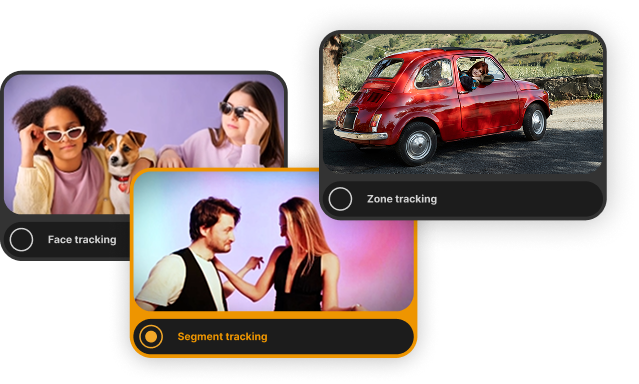
NEW: Nero Motion Tracker PRO
AI automatically tracks faces and objects and makes them unrecognizable with a single click.


Nero Motion Tracker
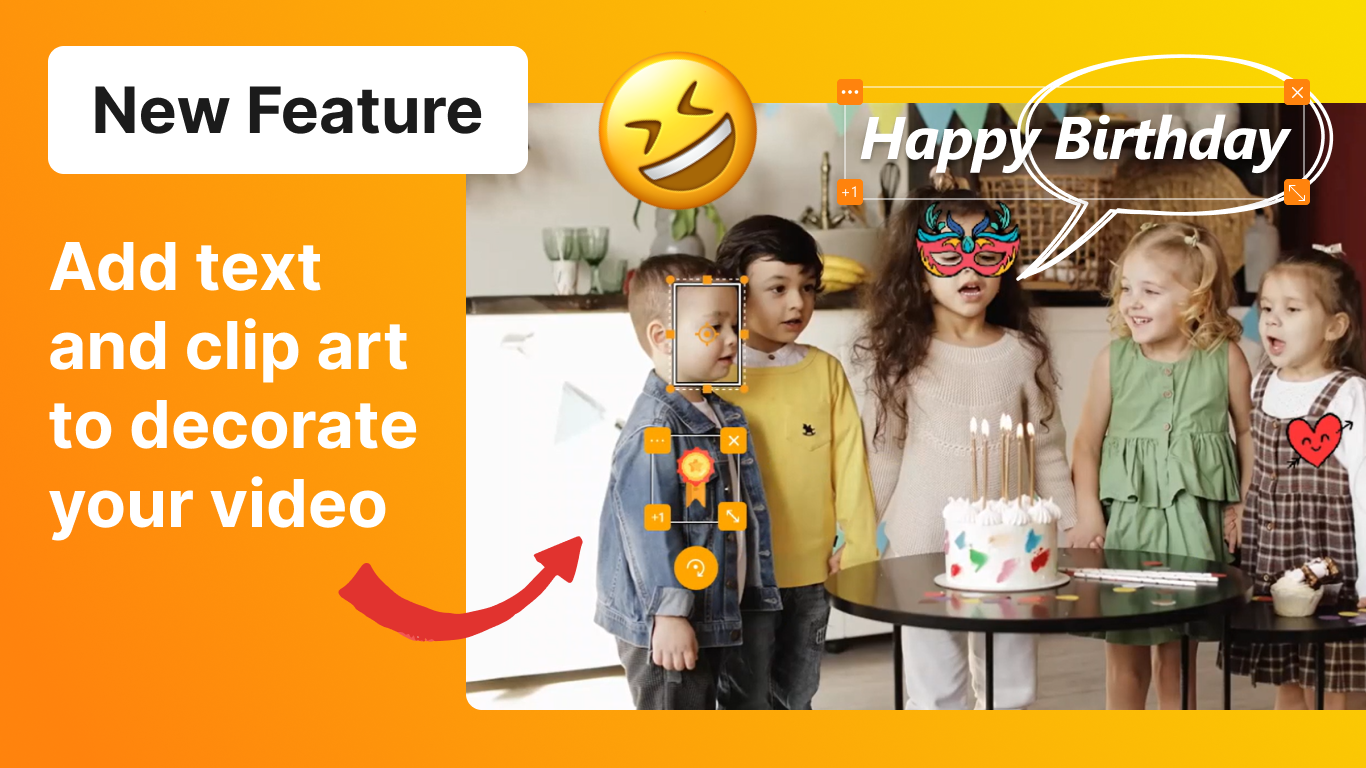
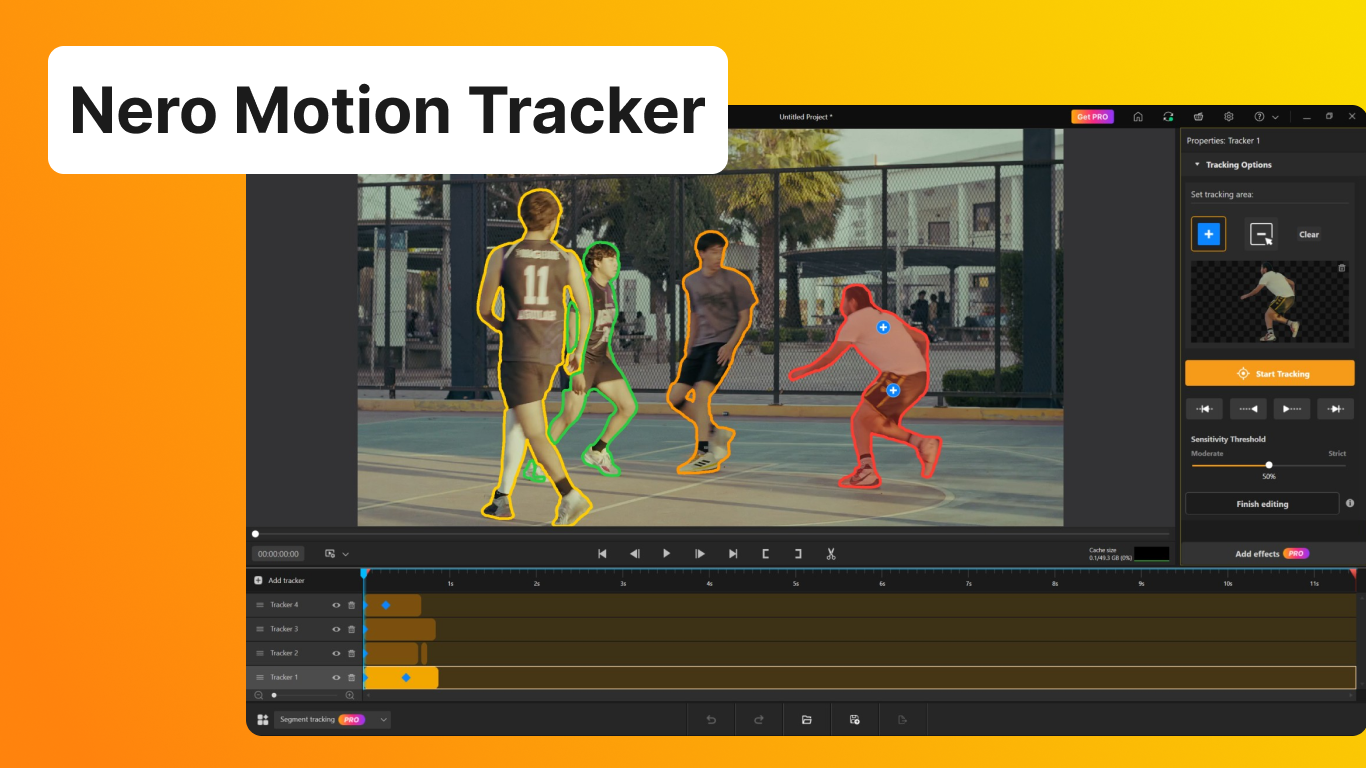
Track and segment objects: Moving subjects change perspective or become obscured. Manual readjustment takes time and is usually inaccurate. With Nero Segment Tracking, people and objects remain reliably in focus, even if their appearance changes or their faces are obscured. Add text, clip art, or effects, and the AI takes care of the precise tracking.
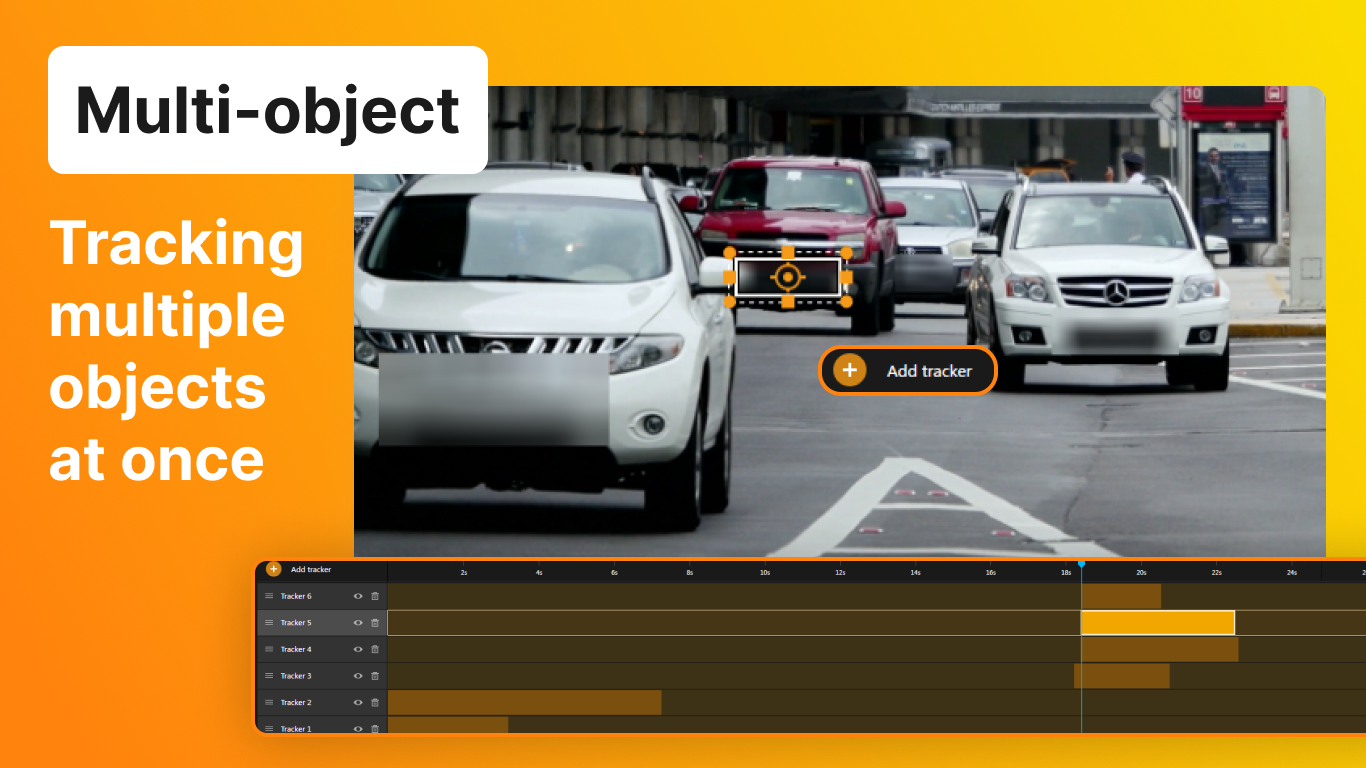
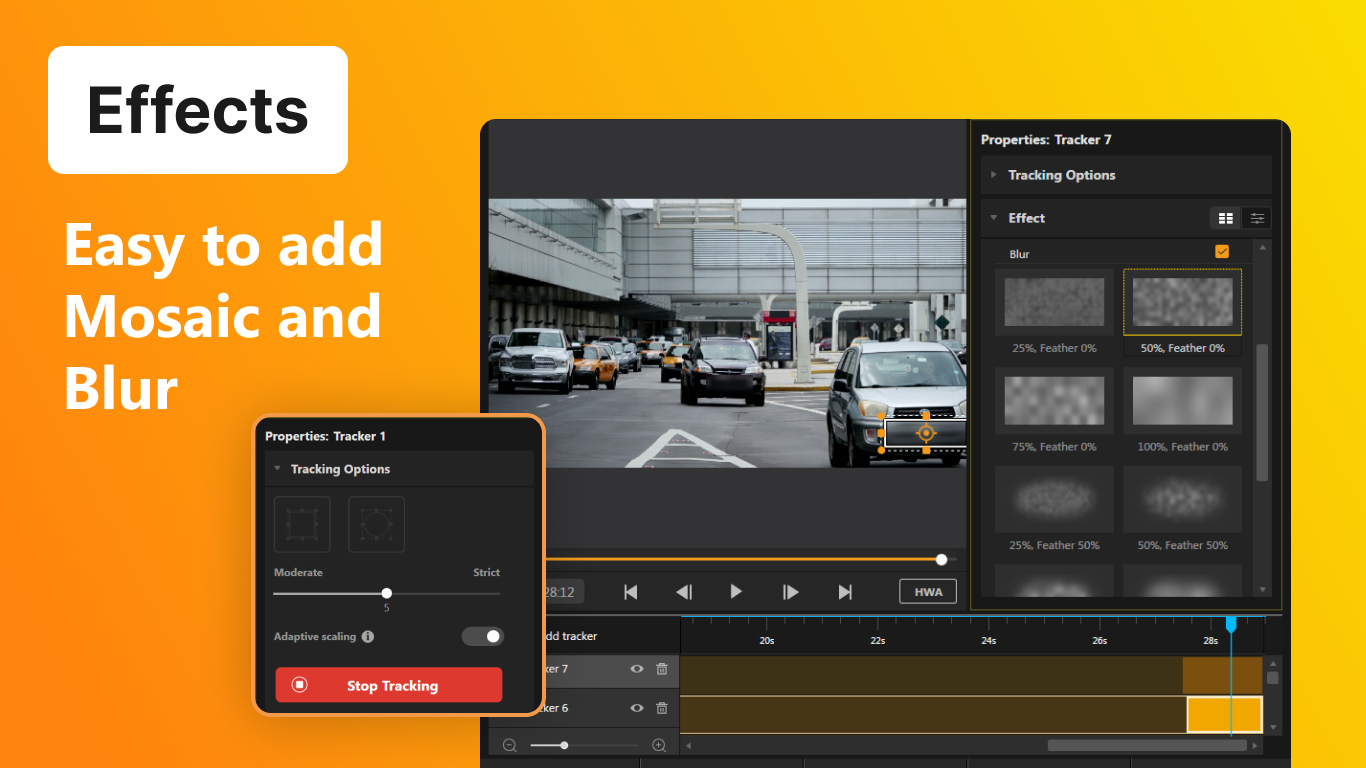
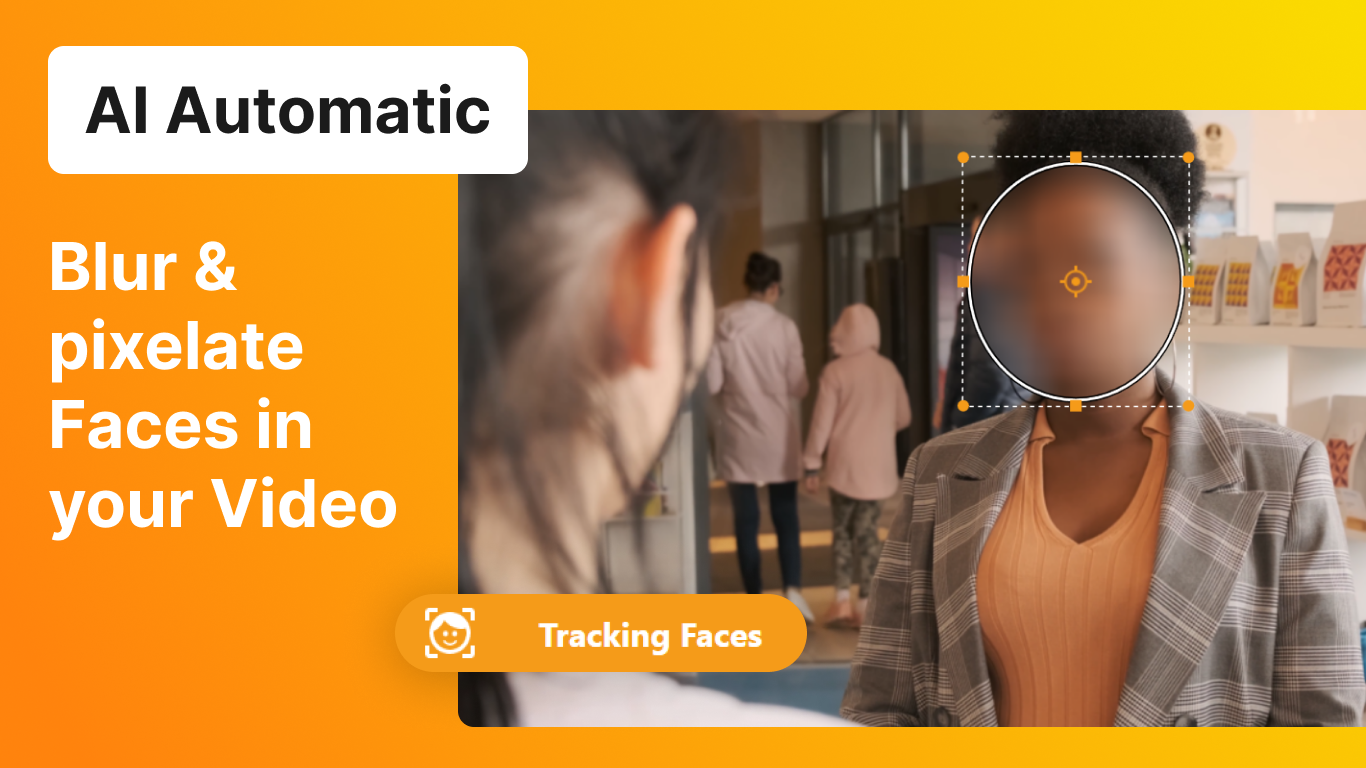
Function overview
Segment Tracking is designed for precision. Unlike standard “Zone” tracking which draws a box, Segment Tracking analyzes the video pixel-by-pixel. To give you total control, we have refined the Set Tracking Area controls into a simple “Include/Exclude” workflow.
more information
One of the exciting new features in Nero Motion Tracker is the Auto Face Tracking. With this feature, the motion tracker can automatically detect and track faces in a video. This is especially useful for video editing and surveillance purposes. The Auto Face Tracking feature uses advanced algorithms to accurately identify and follow faces, ensuring that the captured footage is focused on the right subjects. Whether you’re a content creator or a security professional, the Auto Face Tracking feature in Nero Motion Tracker will greatly enhance your workflow.
The latest update of Nero Motion Tracker includes the exciting new feature of adding text and clip art to your videos. Now you can easily enhance your videos with stylish text overlays and fun clip art elements. Whether you want to add a catchy title, include captions, or simply decorate your footage with creative graphics, Nero Motion Tracker has got you covered. With a wide range of fonts, colors, and clip art options to choose from, you can unleash your creativity and make your videos truly stand out.

Full control over your videos
Nero Motion Tracker PRO:
Precise tracking with AI power
- Automatically and reliably tracks faces and objects
- Anonymize sensitive areas with a click using the mosaic effect
- Dynamically adds text, graphics, and effects to moving subjects
Windows 11, 10 | System Requirements