🛡 NEW: Nero BackItUp 2027Better safe than sorry.
Better safe than sorry.
The 1-Click Rescue.
Reliable backup for your irreplaceable data.
Nero TuneItUp optimizes system performance, removes unnecessary junk files, and ensures a faster, smoother-running Windows PC—all with just a few clicks.
$55.95 Buy now »
Make a backup today – enjoy peace of mind tomorrow
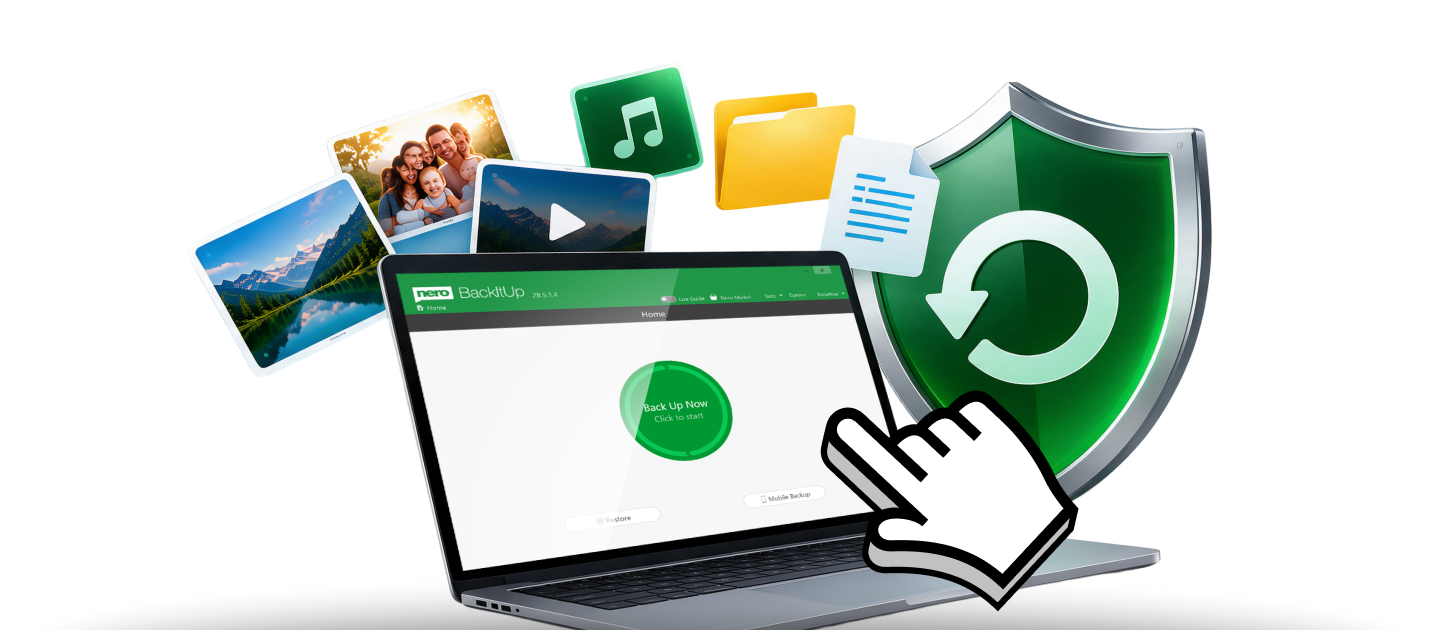
Nero BackItUp 2027: Back up your valuable data automatically and reliably—to external storage devices or in the cloud. For added protection, you can encrypt your backups and secure them with a password.
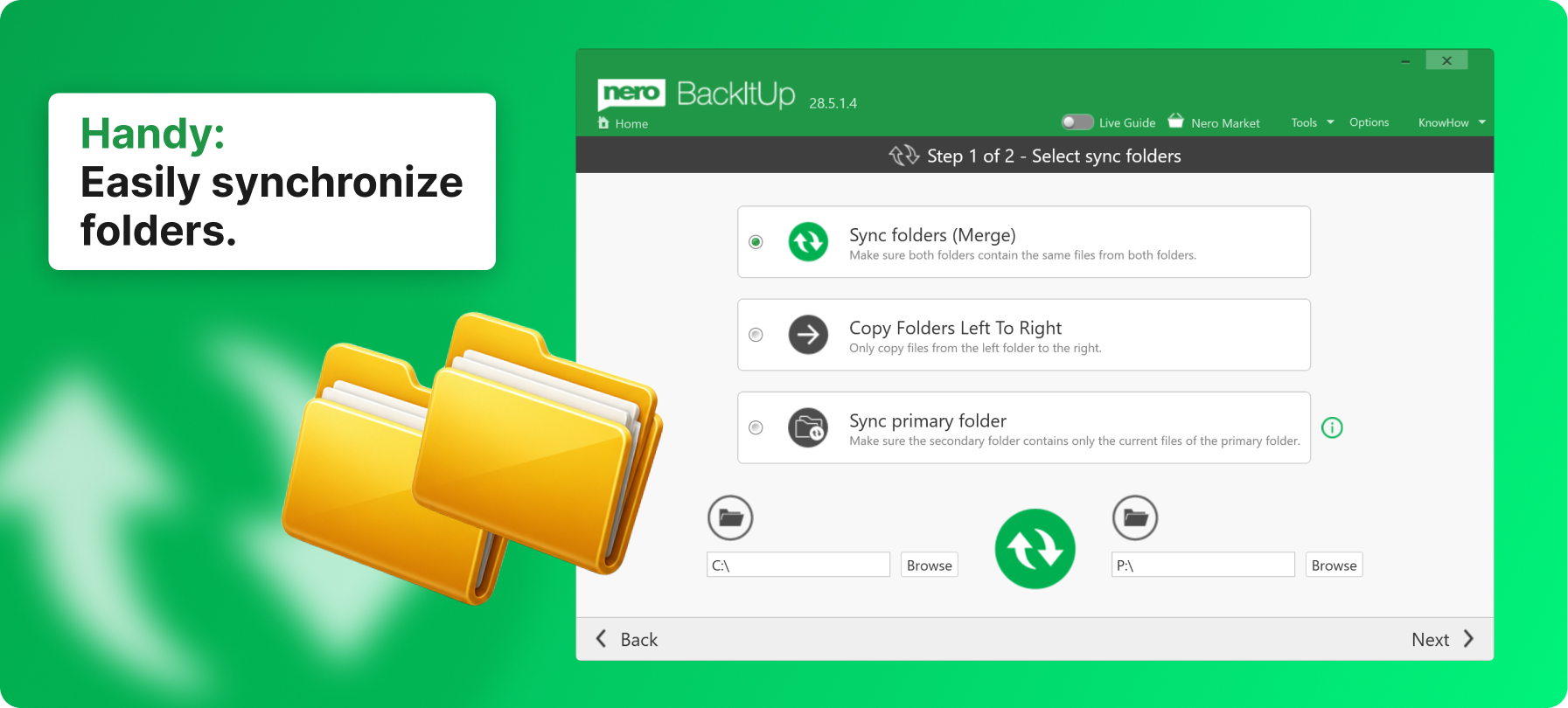
Easy to use
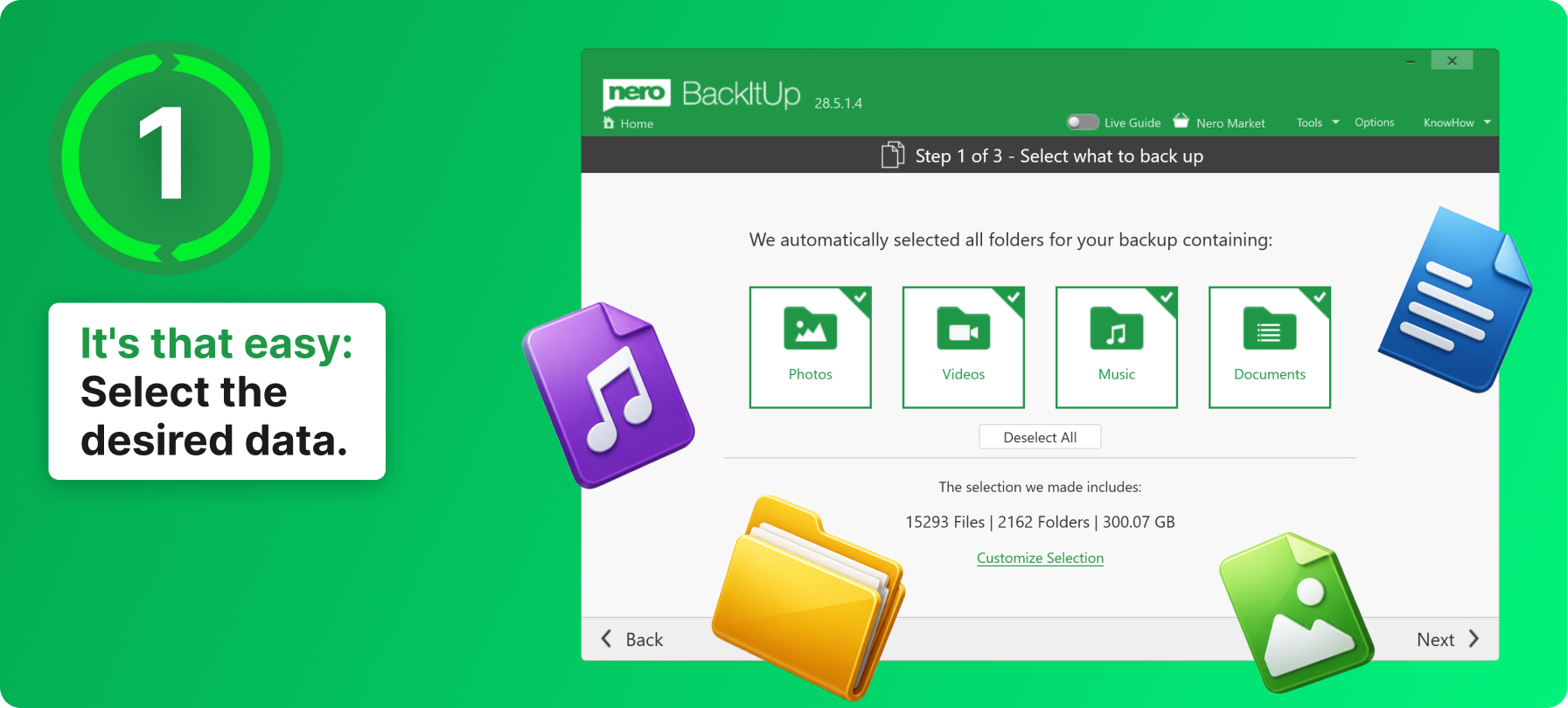
01
Select Data
Select the files and folders you want to back up using Nero BackItUp.
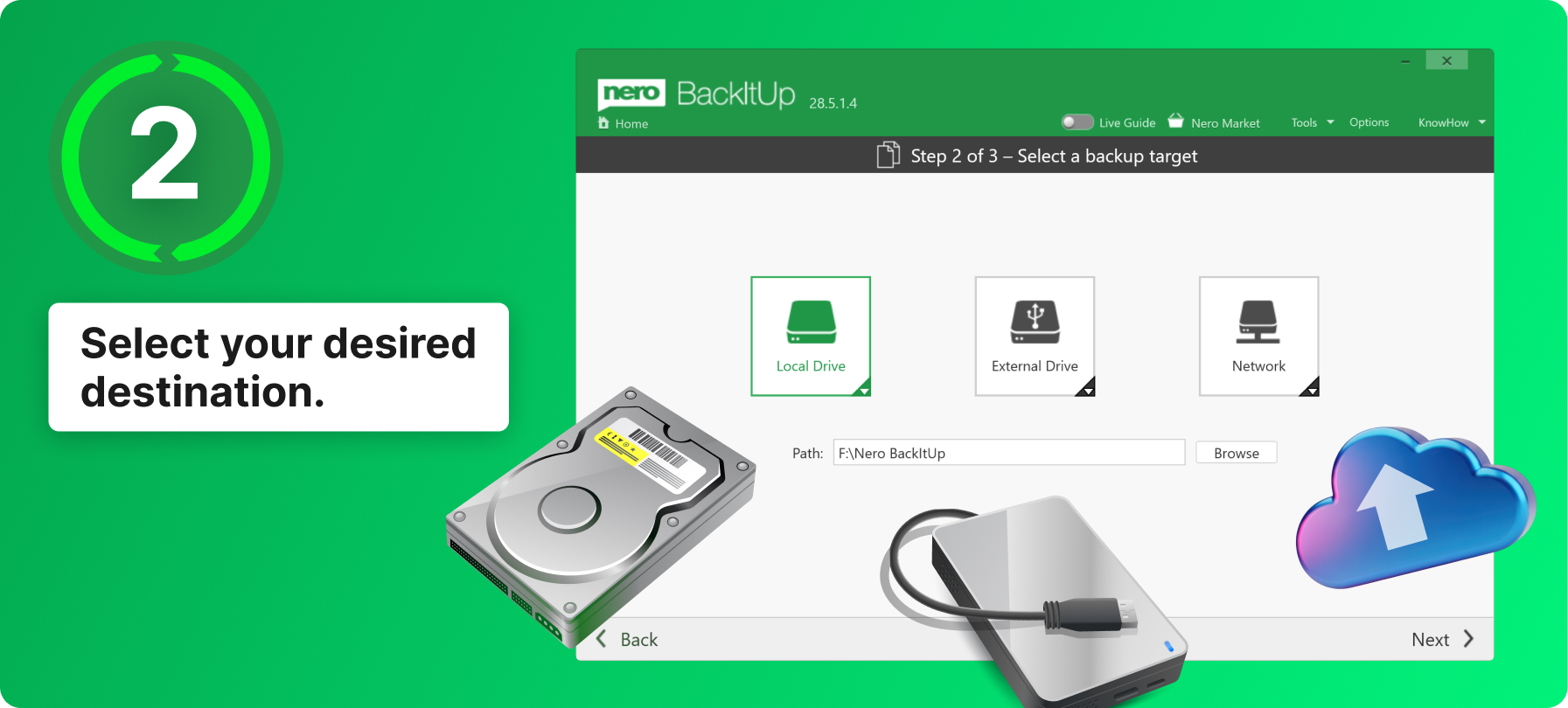
02
Set the storage location
Save your backup to an external storage device or in the cloud.
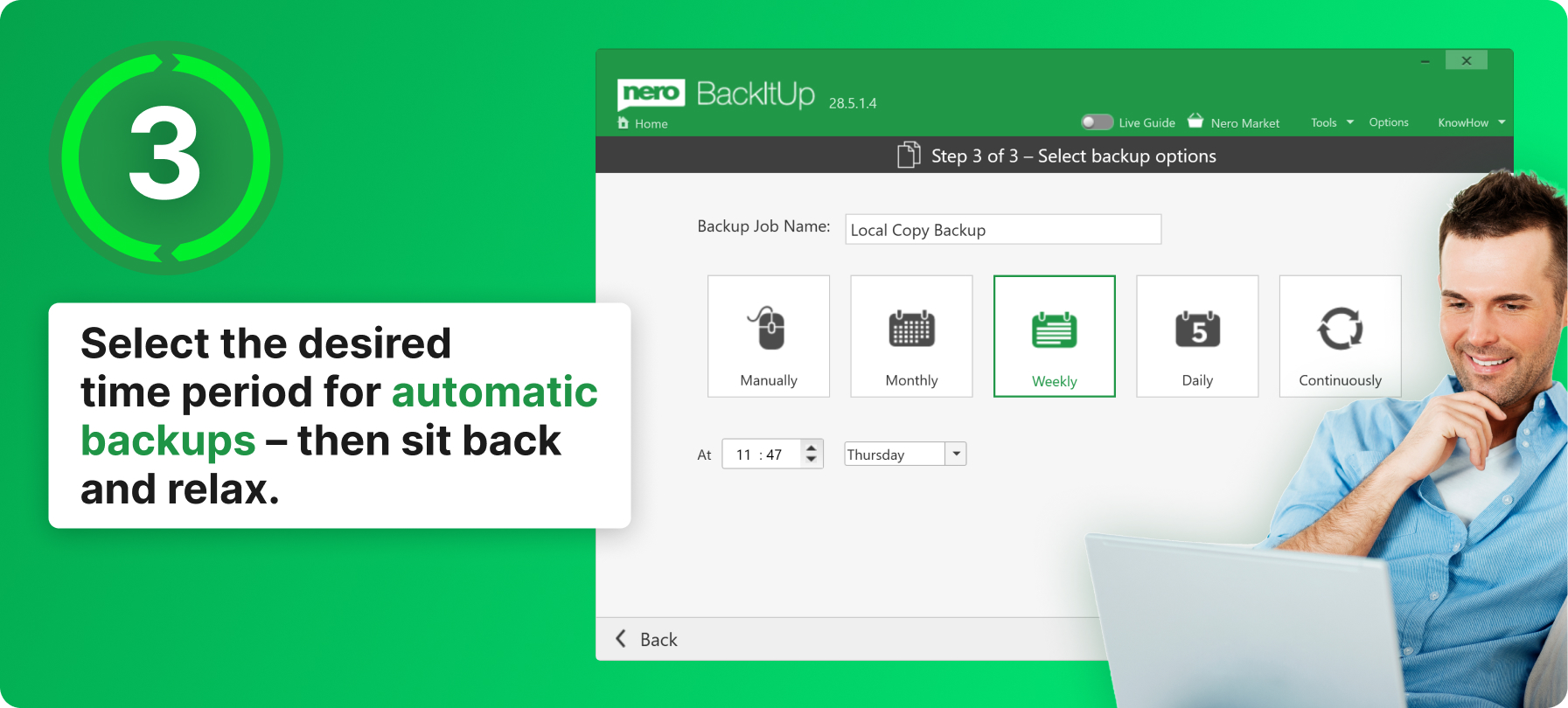
03
Back Up Automatically
Enable automatic data backup and, if desired, protect your backups with a password.
Function overview
Relax now, knowing your files are protected: Start your backup daily, weekly, monthly - or whenever you want! Just set a time and date. You can even set up a continuous backup so that Nero BackItUp software continuously protects new files as you update data.
Back up your backup locally to an additional hard drive, to an external USB drive, or store it in the NAS system - the choice is yours! Either way, Nero BackItUp software helps you reliably back up your files twice. Now you can also run your backup using your cloud storage "OneDrive" and "Google Drive". Of course, data can also be restored online this way. This means that backup and restore with Nero BackItUp software is now possible anywhere.
Unlike other backup programs that only save the most recent version of a file, Nero BackItUp software also backs up older versions that you want to protect. When you change a file, all older versions are kept locally. So even if you delete your file or it gets corrupted, it is always recoverable!
You can rest assured that your files are stored securely thanks to hardware-accelerated AES 256-bit encryption. And with our smart compression algorithm, you can even save some space when you store your files on the USB hard drive.
Reassuring Safety
Nero BackItUp 2027:
Make a backup today – enjoy peace of mind tomorrow
- Secure and reliable: automatic backups of your important data
- Flexible storage: local, external, or in the cloud
- Easy recovery: Get your data back with just one click
