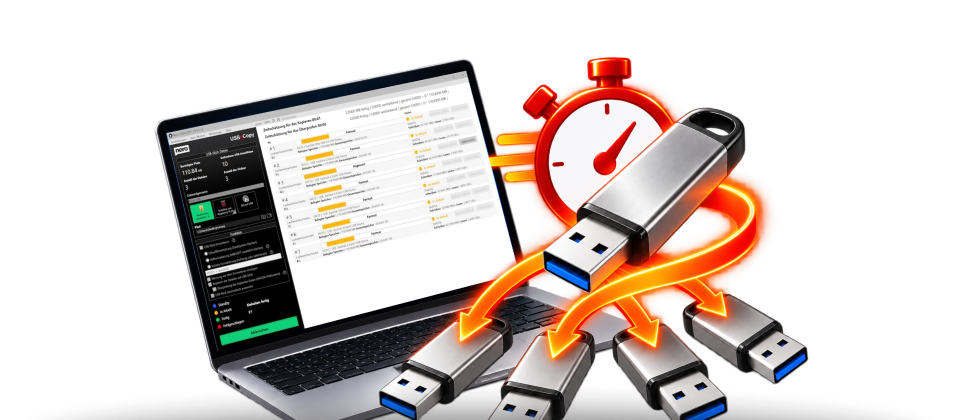
🚀 NEW: Nero USBxCopy 2027Fast. Secure.
Fast. Secure.
Simultaneous.
How to Safely Copy and Erase USB Flash Drives.
Copy files and folders to multiple USB drives at the same time—quickly, easily, and reliably. Save time and duplicate your data with just a few clicks.
€ 39,95 Buy now »
More USB Power
Nero USBxCopy 2027: Easily copy your files and folders to multiple USB drives at the same time. Save valuable time, reduce manual effort, and enjoy fast, easy, and reliable data transfer.
Easy to use
01
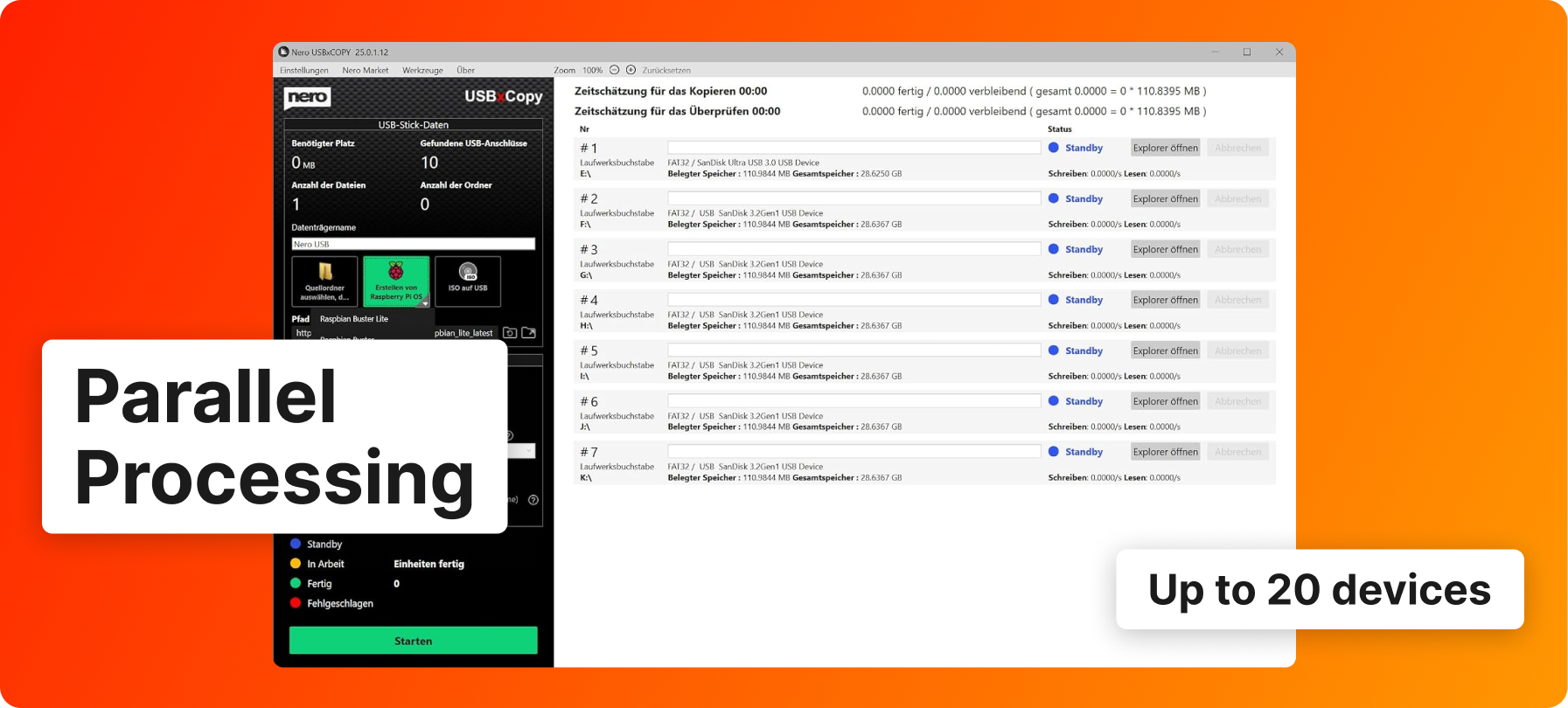
Connecting USB Flash Drives
Connect the desired USB flash drives to your computer. Nero USBxCopy automatically detects the connected devices.
02
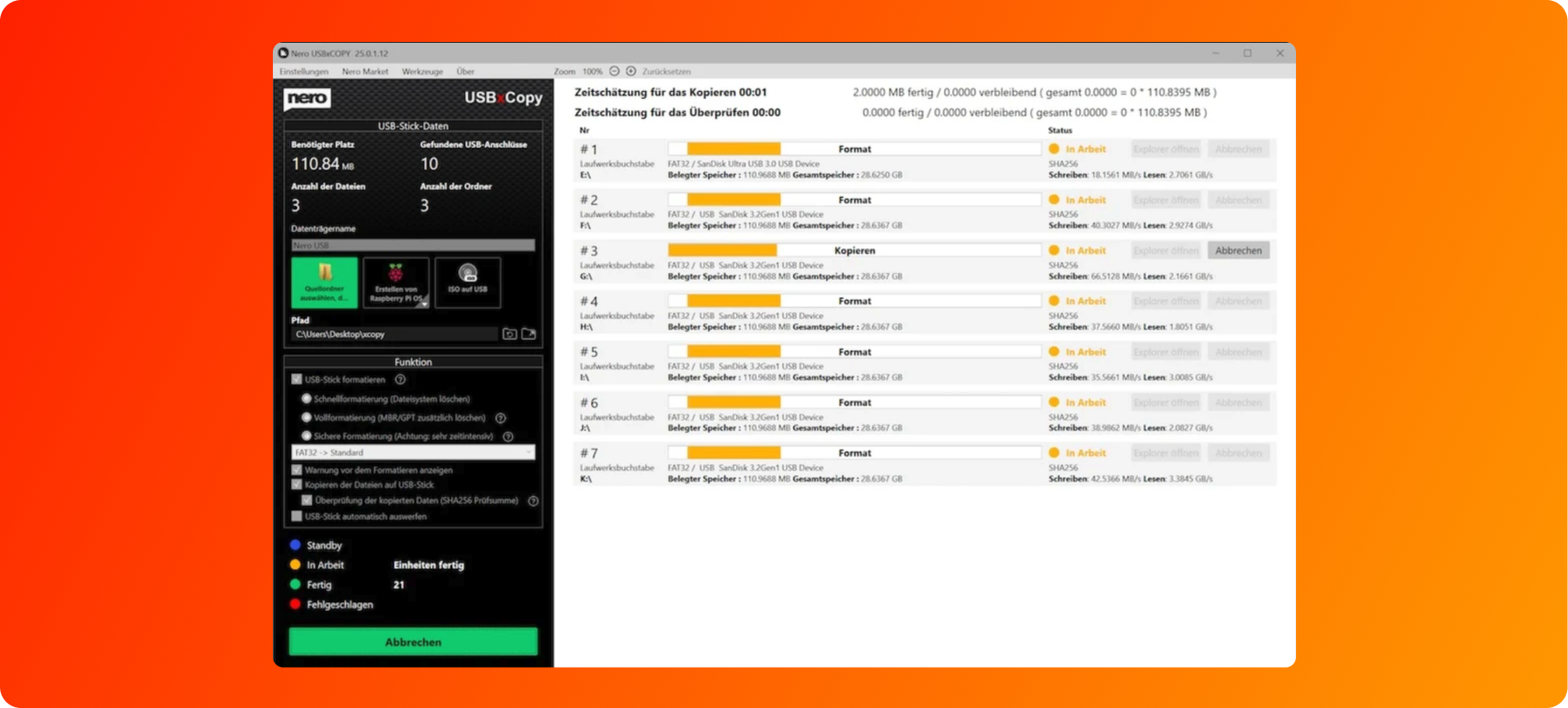
Select Files
Select the files and folders you want to copy. Then specify the desired destination devices.
03
Start the copying process
Start the copying process with just one click. Nero USBxCopy transfers your data to multiple USB flash drives at the same time—quickly, easily, and reliably.
Function overview
The Nero USBxCopy tool automatically detects how many devices are connected to your computer and gives you an instant overview of the format, size, and status of each device.
Once all your devices have been detected, you can specify the source or path of the data to be copied. You can choose to format the devices to FAT32, NTFS or exFAT and start the copy process simultaneously.
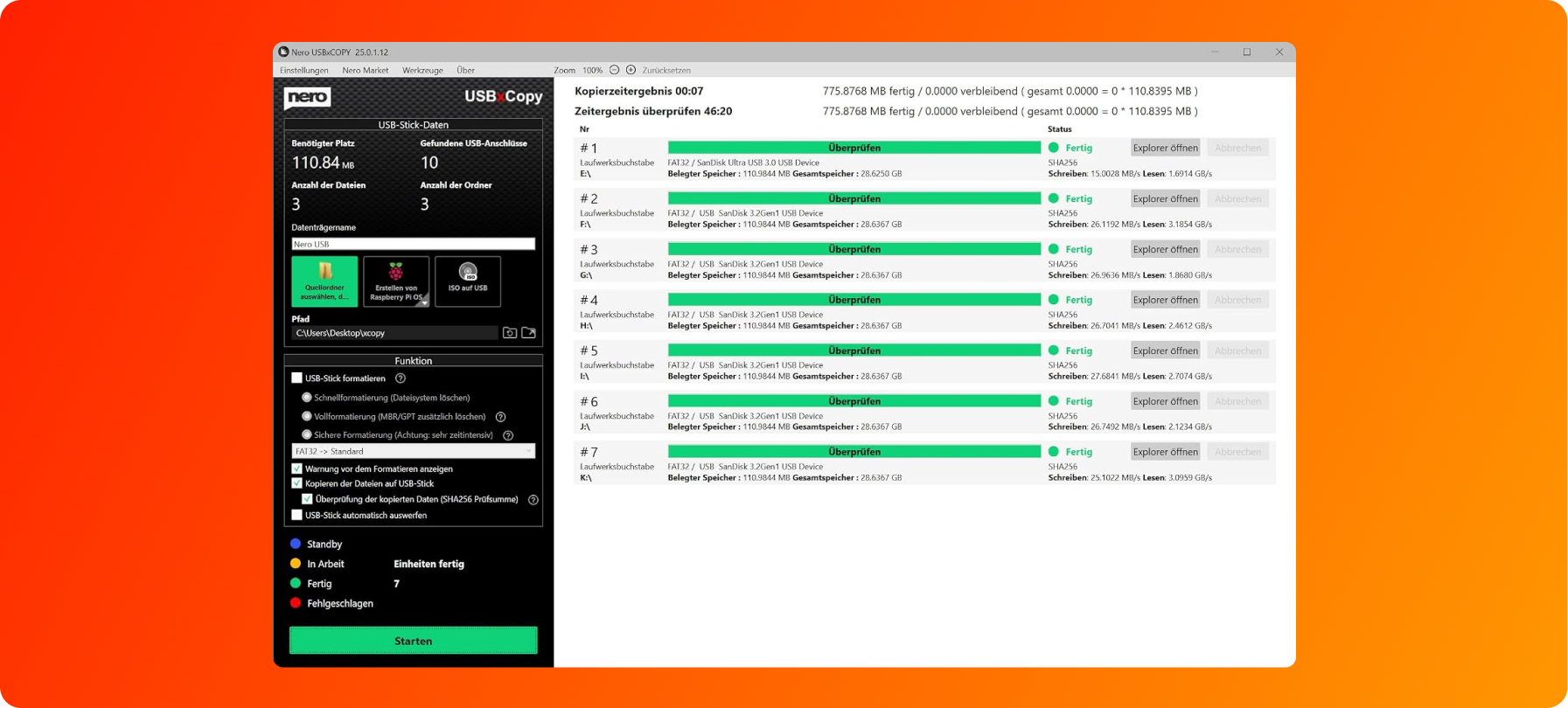
Nero USBxCopy does more than just copy files: Using an automatically generated checksum, the system checks each device and displays the copy status in color. Finished devices can be ejected automatically, while the built-in counter lets you never lose track of how many copies have been completed.
The USB Copy Station for Your PC
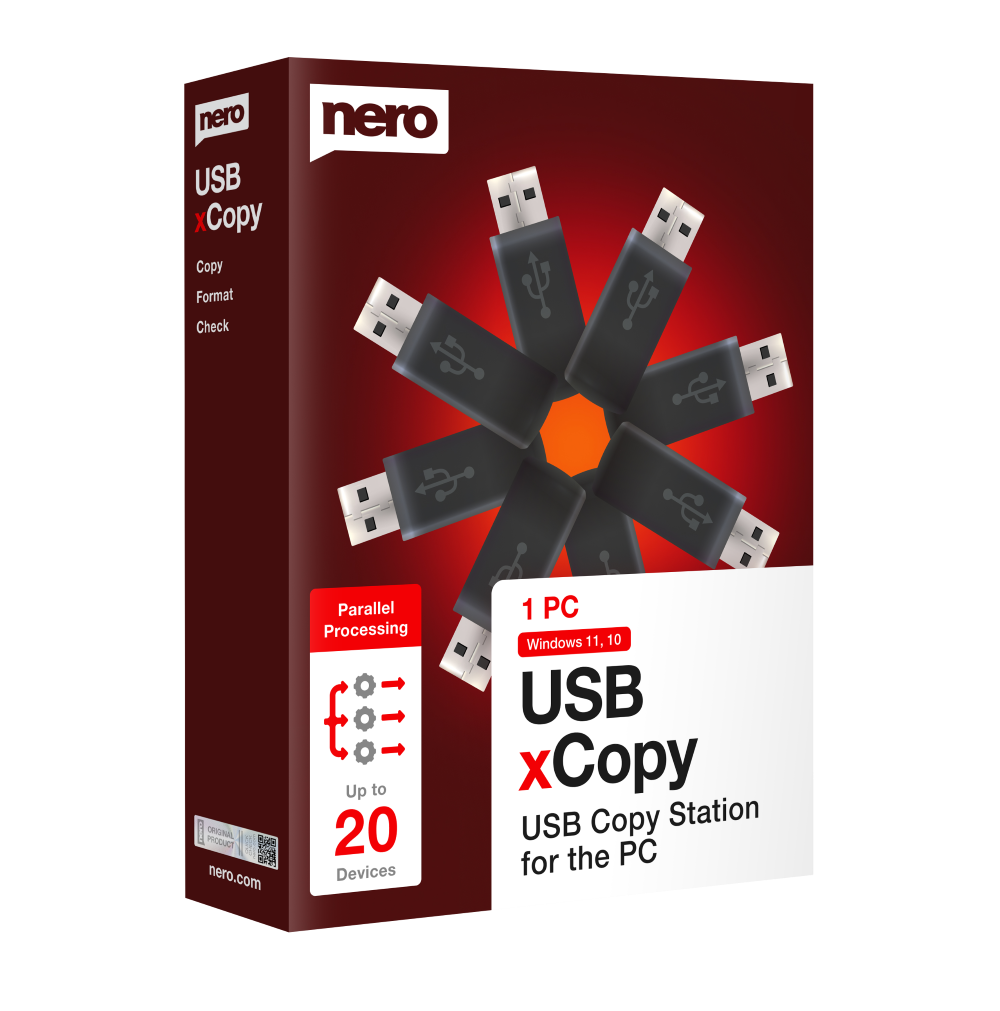
Nero USBxCopy 2027:
More USB Power
- Multiple copies at the touch of a button: Write to as many USB flash drives as you want at the same time
- Fast & efficient: Save time by copying, deleting, and formatting simultaneously
- Reliable & Secure: Identical, error-free copies of data
